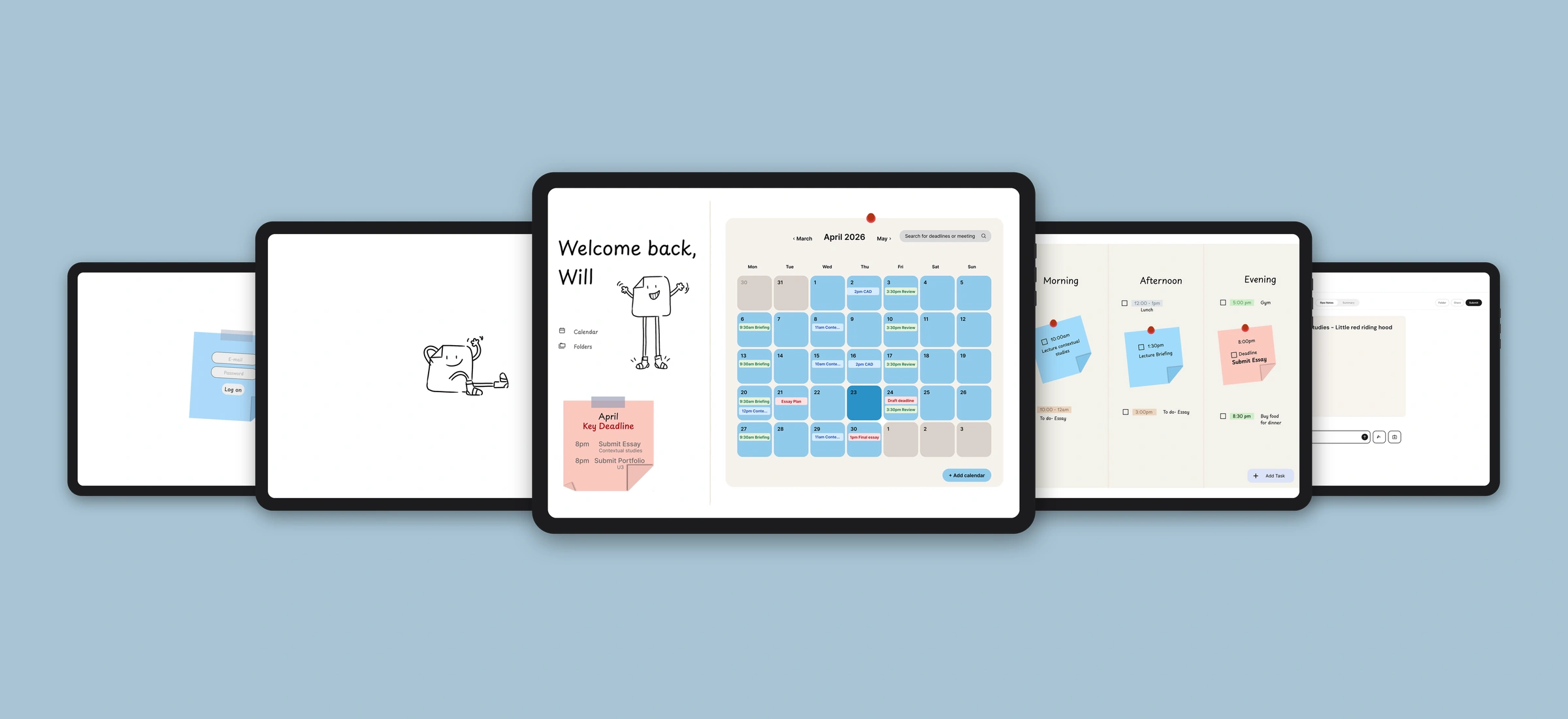
Lectra — your friendly study guide
— Project Info
| Role | Product Designer |
| Duration | 1 Month |
| Tools | Figma, FigJam, Miro, Procreate, Photoshop, HTML/CSS, Claude Code |
| Skills | UX Research · User Interviews · Competitive Analysis · Service Design · Wireframing · Prototyping · User Testing · Visual Design · Information Architecture · Branding |
Challenge
During lectures, dyslexic students face an impossible choice — listen and lose your notes, or write and lose the meaning. Fast-paced delivery, text-heavy slides and no real-time support make it nearly impossible to process, record and understand content in real time, leaving students with incomplete notes and no clear sense of what to do next.
Solution
Lectra is a support service that works during and after the lecture, using lecture audio and fragmented student notes to generate clear, visual summaries and personalised next steps. It enables collaborative note sharing between students and supports learning through multiple perspectives and study styles — designed from the ground up around dyslexia-friendly principles.
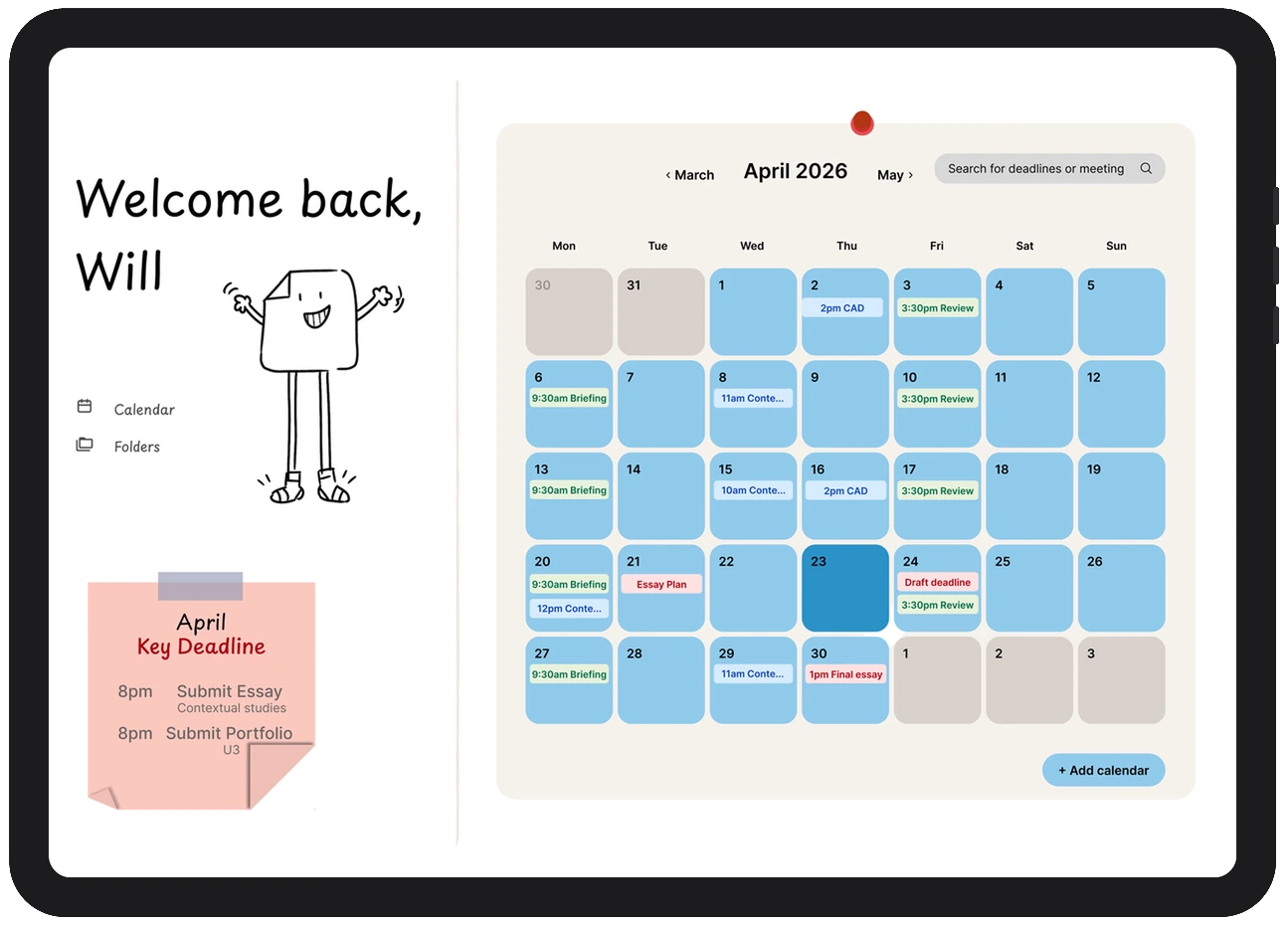
The dashboard
Organise your month, focus on today
- A quick preview of every day
- Key deadlines and hand-ins for the month
- Follow-up tasks from earlier lectures, fitted into the free time in your days
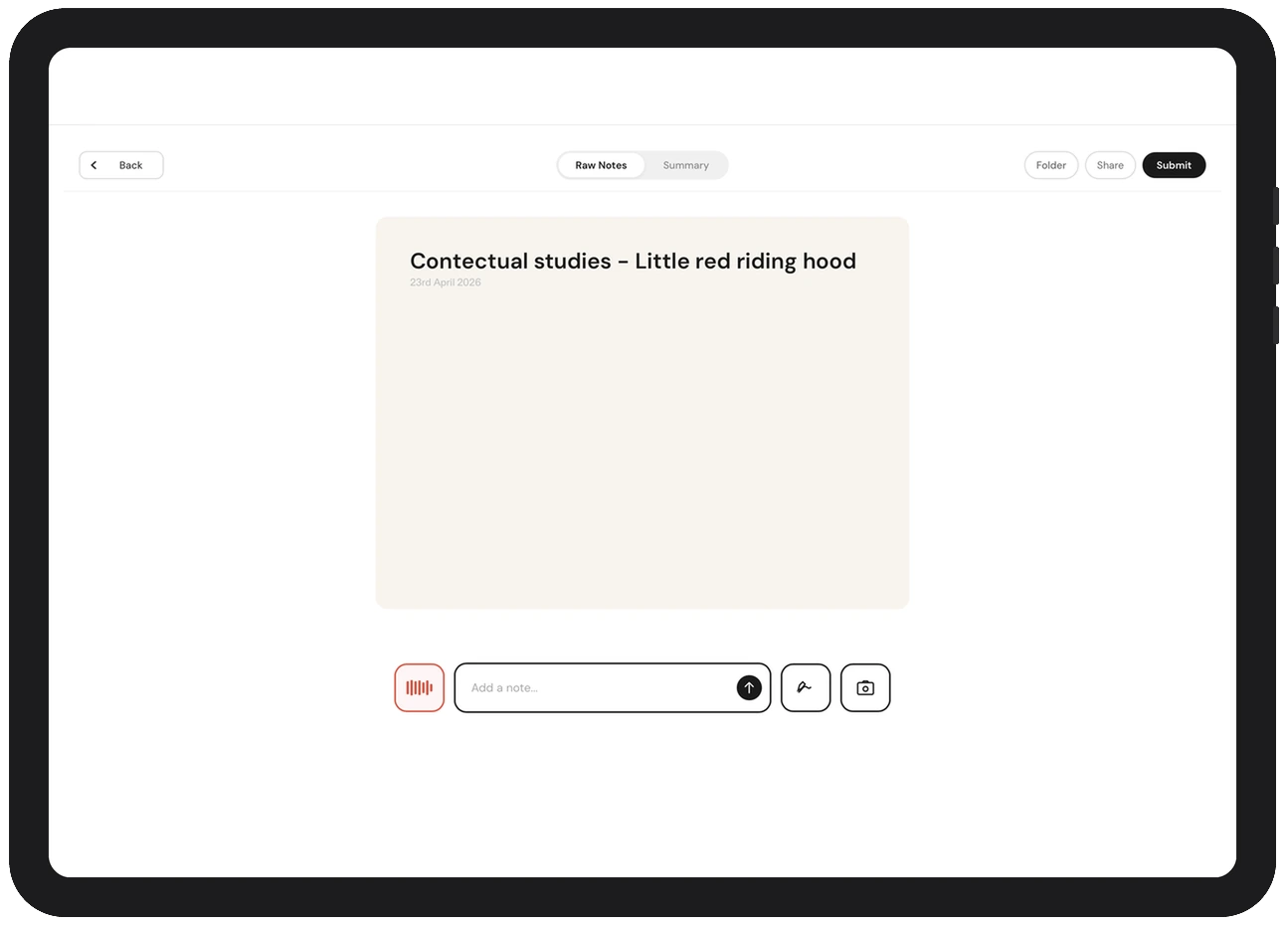
Capturing a lecture
Capture it now, make sense of it later
- Record the audio, type a fragment, or add a photo or slide
- Capture everything, so you can listen and take it in rather than write and lose the meaning
The summary
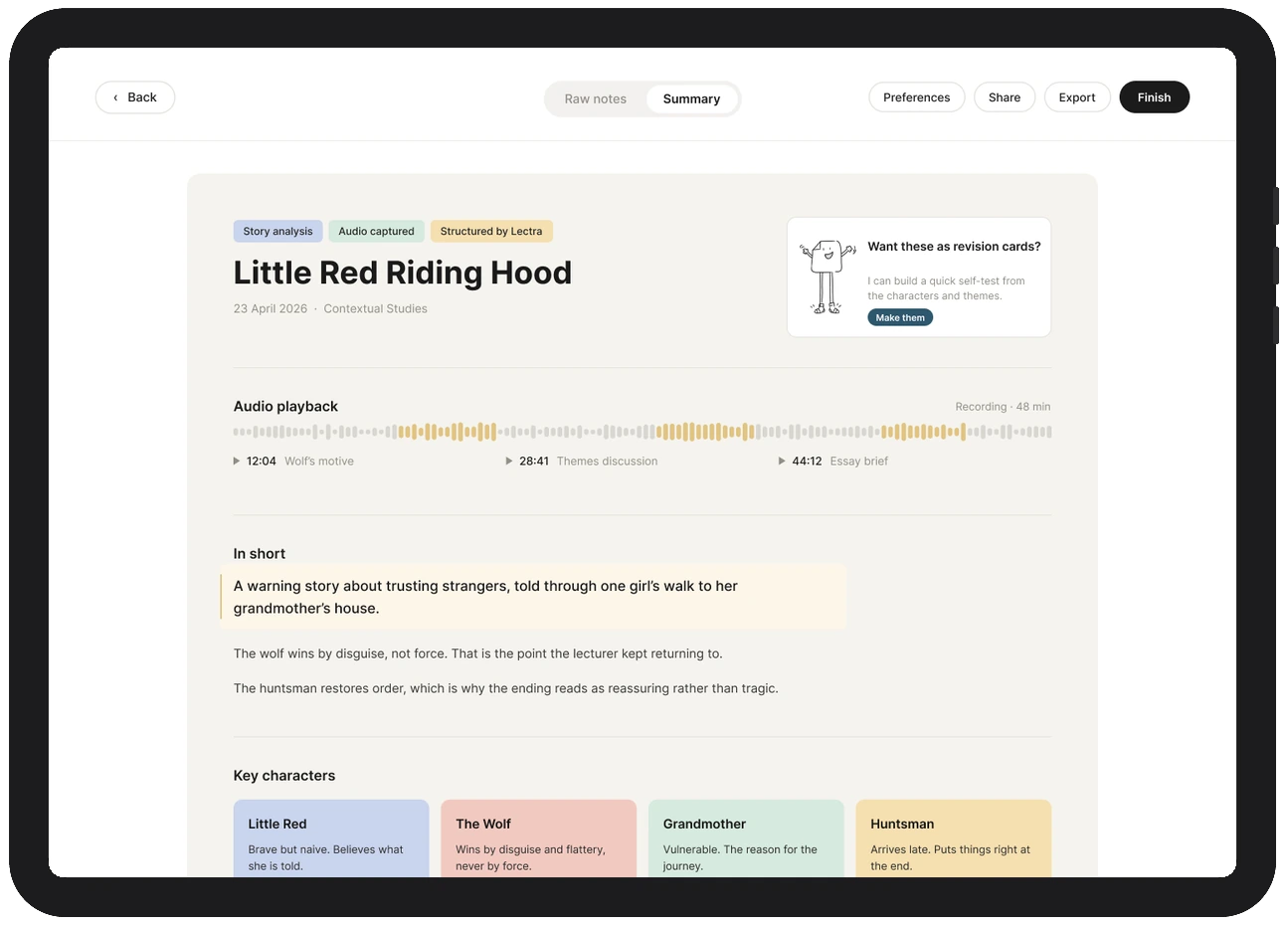
Personalised notes that fit how you learn
- Builds notes from the lecture audio, slides / images and your fragments
- Rebuilt as a dyslexia friendly presentation, using colour, diagrams and bullet points rather than a wall of text
- Listen back to any moment the lecturer explained aloud, turn it into revision material, or share it with classmates
- Captures deadlines and breaks them into manageable tasks on your calendar
Product walkthrough — capturing a lecture through to filed notes
The impossible choice dyslexic students face every lecture
As a dyslexic student myself, I consistently left lectures confused. Slides often were not shared, before or after, and lectures were rarely recorded, so everything had to be caught live or it was gone. Dense slides and fast-paced delivery made it nearly impossible to listen, process and write at the same time. Something had to give, and it was usually understanding.
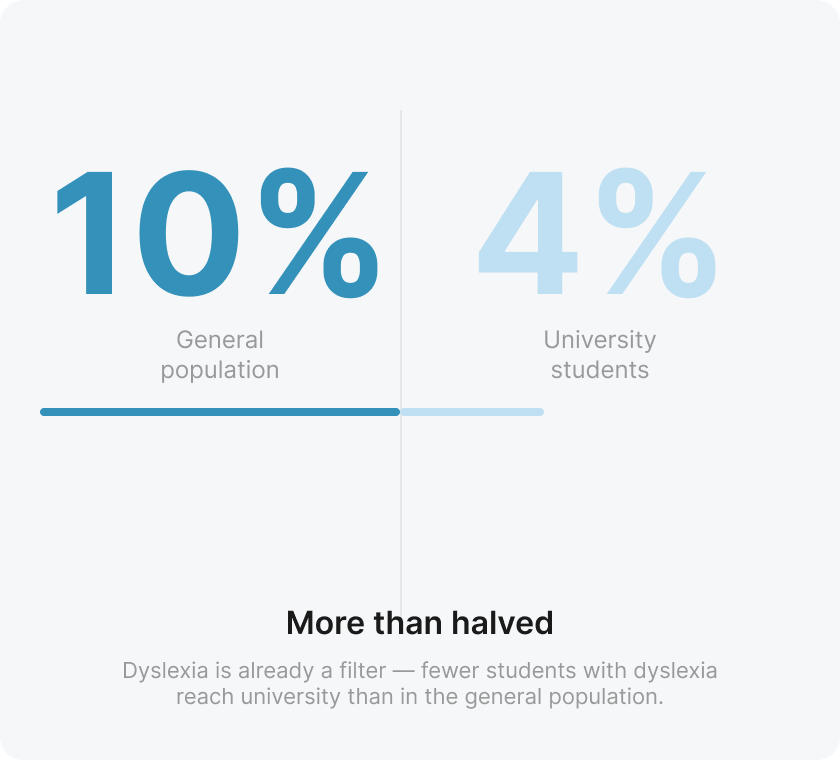
- 10% of the population is estimated to have dyslexia
- 4% of university students are dyslexic, with 114,440 students affected
- The drop from general population to university suggests dyslexia is already a barrier to higher education
This project started with a simple question: is there a better way to support dyslexic students during and after lectures?
Listening before designing
Before sketching a single screen, I spoke directly with five first-year dyslexic university students. I wanted to understand their lived experience with note taking in a lecture — not assume it. I also examined my own school notes to see firsthand how dyslexia had shaped my note-taking.
5 participants · semi-structured interviews · dyslexic university students
It's quite stressful. I try to keep up, but I end up missing parts while I'm still writing. My notes are incomplete and don't always make sense.
— Sadie, first year dyslexic student
Yes, all the time. If I focus on listening, I lose my notes. If I focus on writing, I stop understanding what's being said.
— Rebecca, second year dyslexic student
Three key insights that emerged
Cognitive overload
Students struggle to keep pace, causing fatigue and disengagement.
Incomplete note taking
Notes become copying rather than genuine understanding of content.
No clarity after lectures
Students leave unsure what mattered or what to do next.
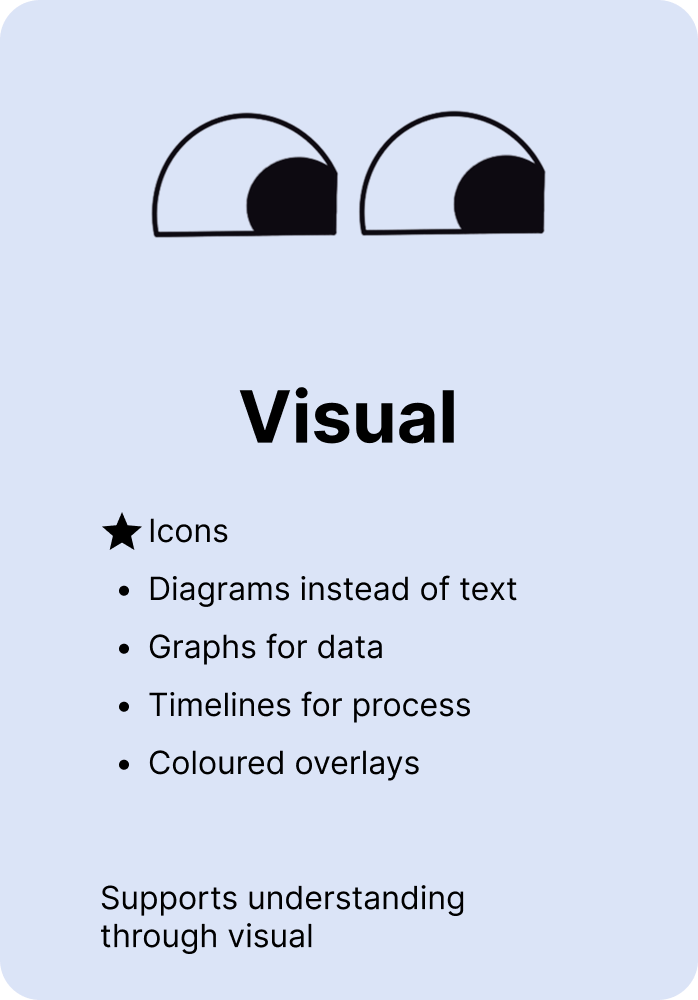
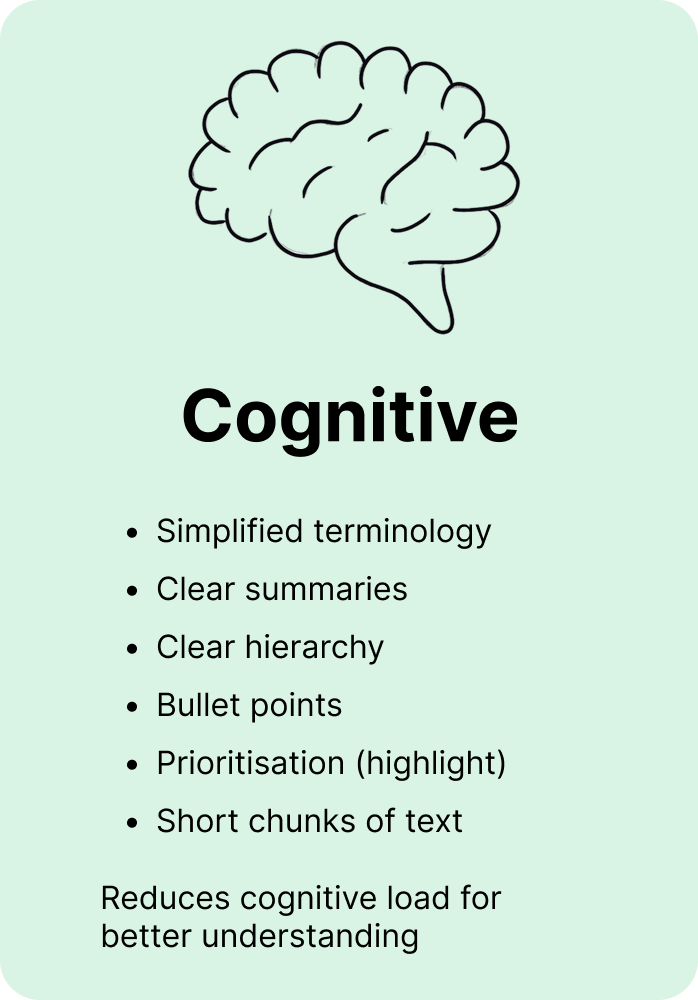
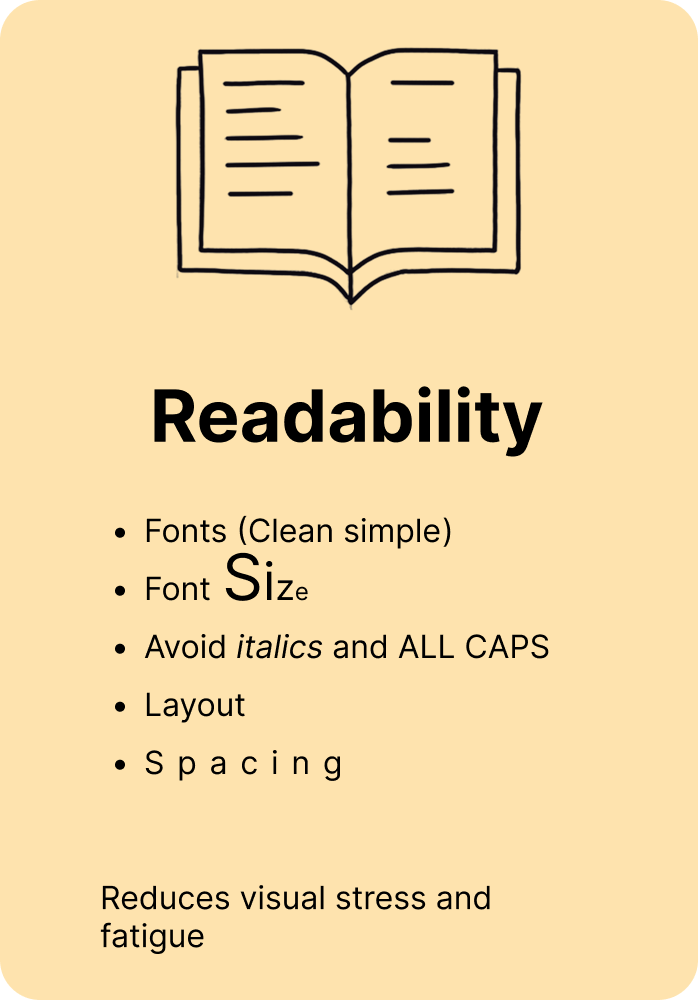
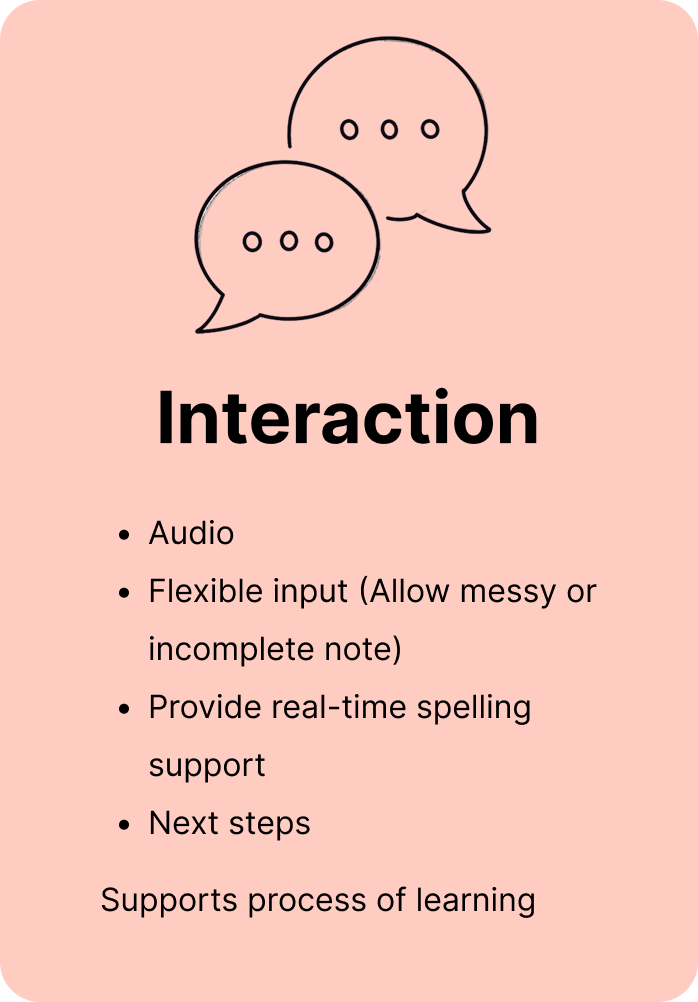
Dyslexia-Friendly Design Principles
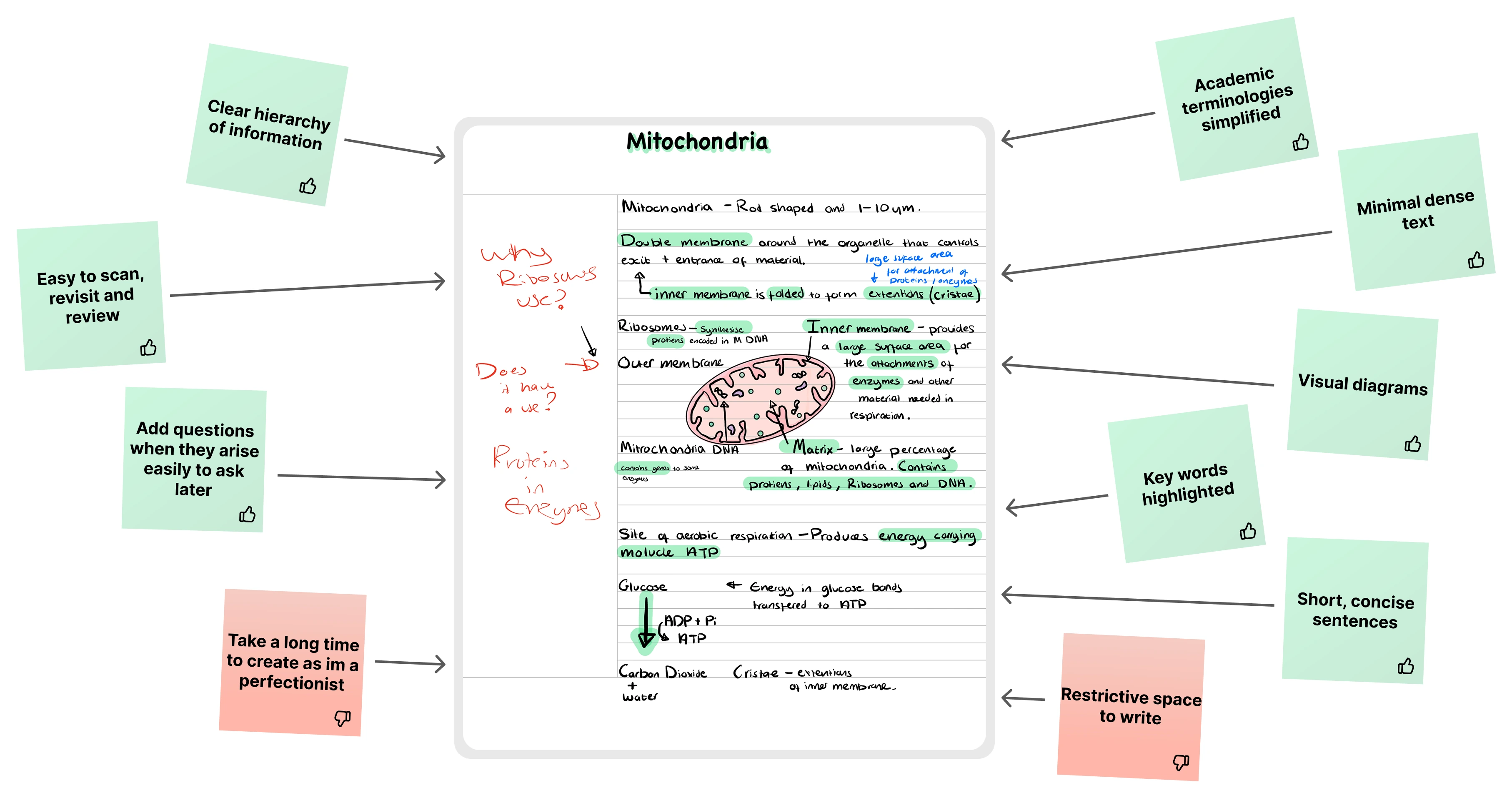
Through my earlier research and user interviews, I identified four key principles of dyslexia-friendly design that would go on to shape every decision in the product.
How students take notes today
Drawing on the five interviews, I mapped what actually happens now, from checking the timetable through to revising weeks later.
Who I was designing for
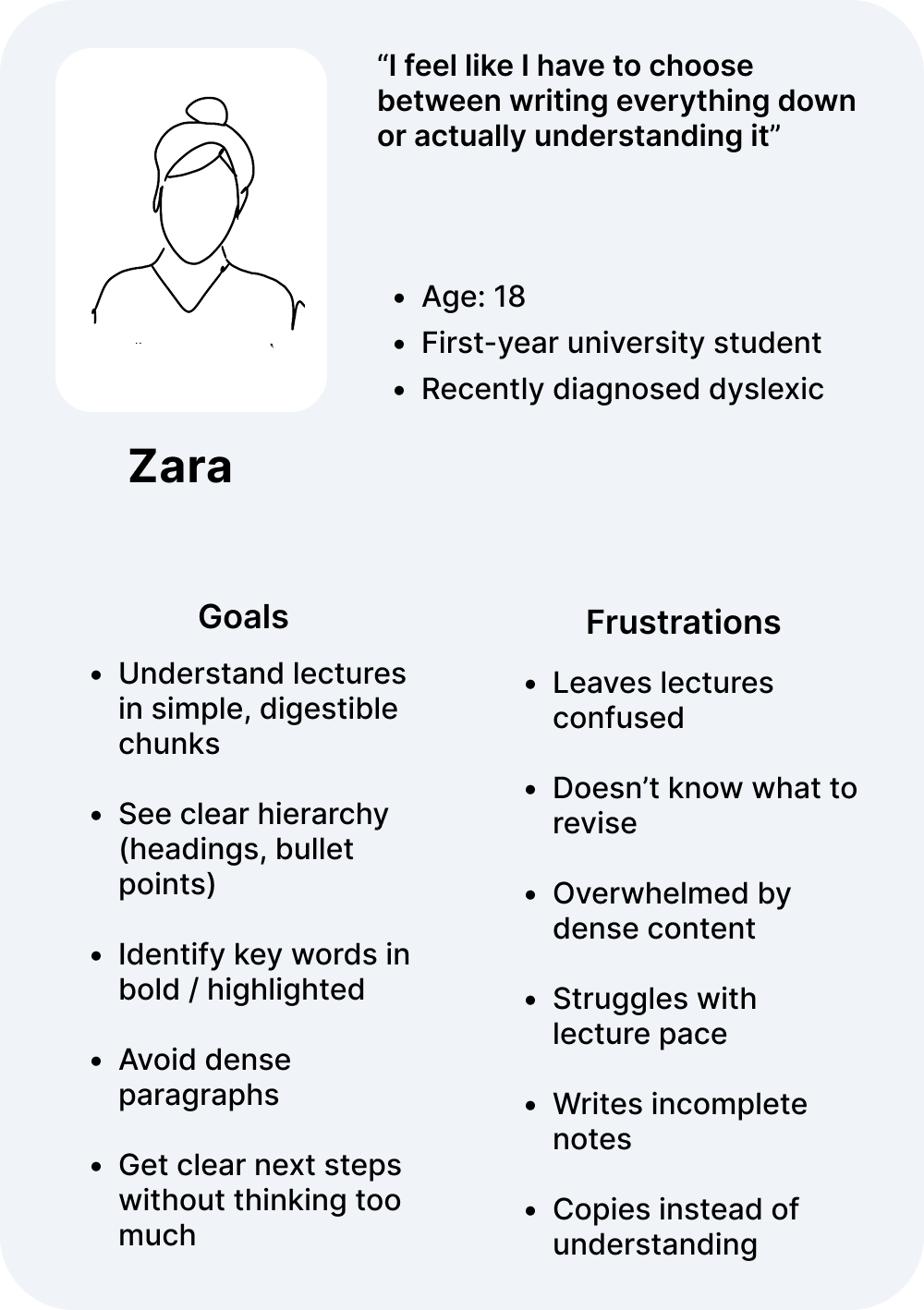
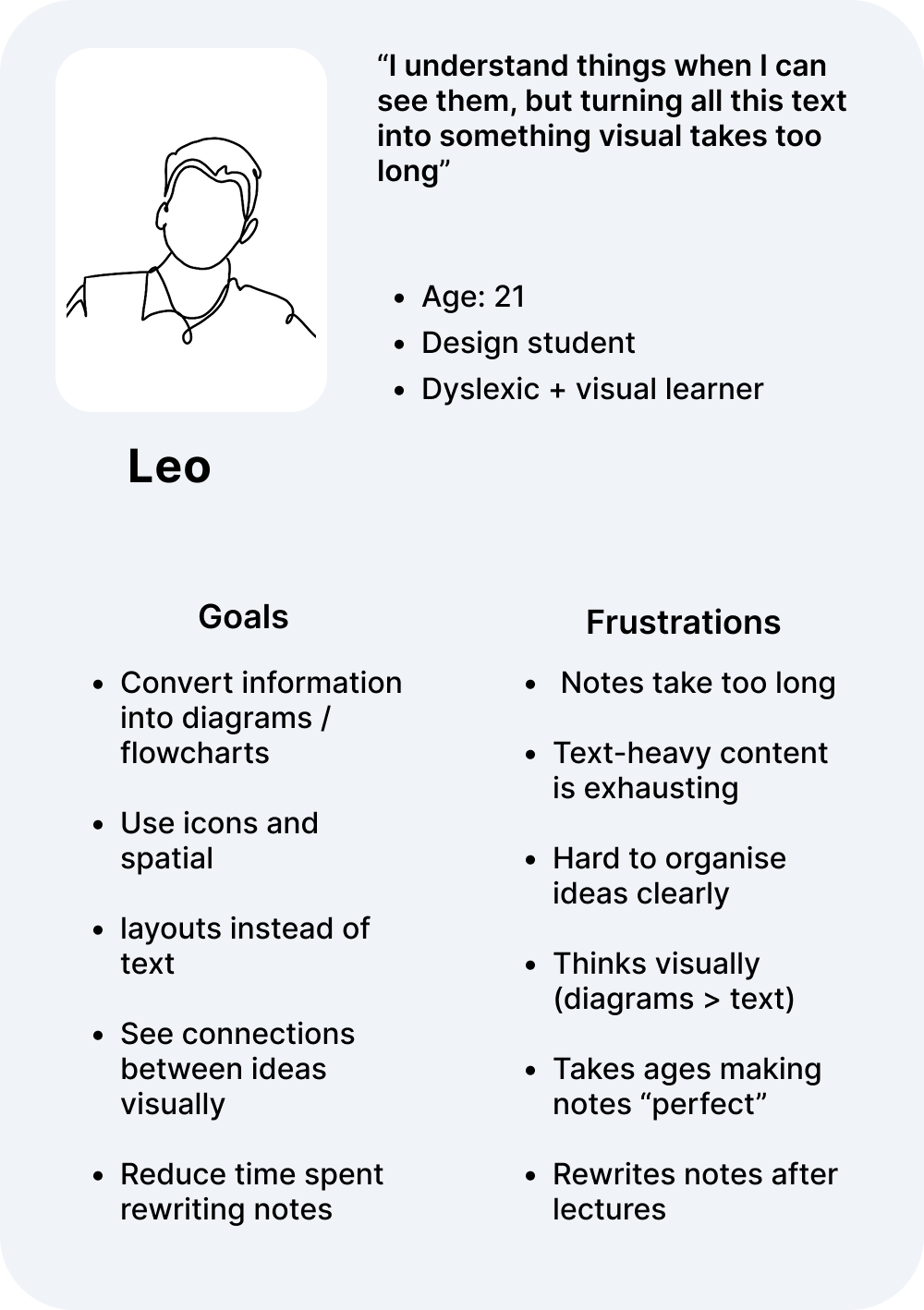
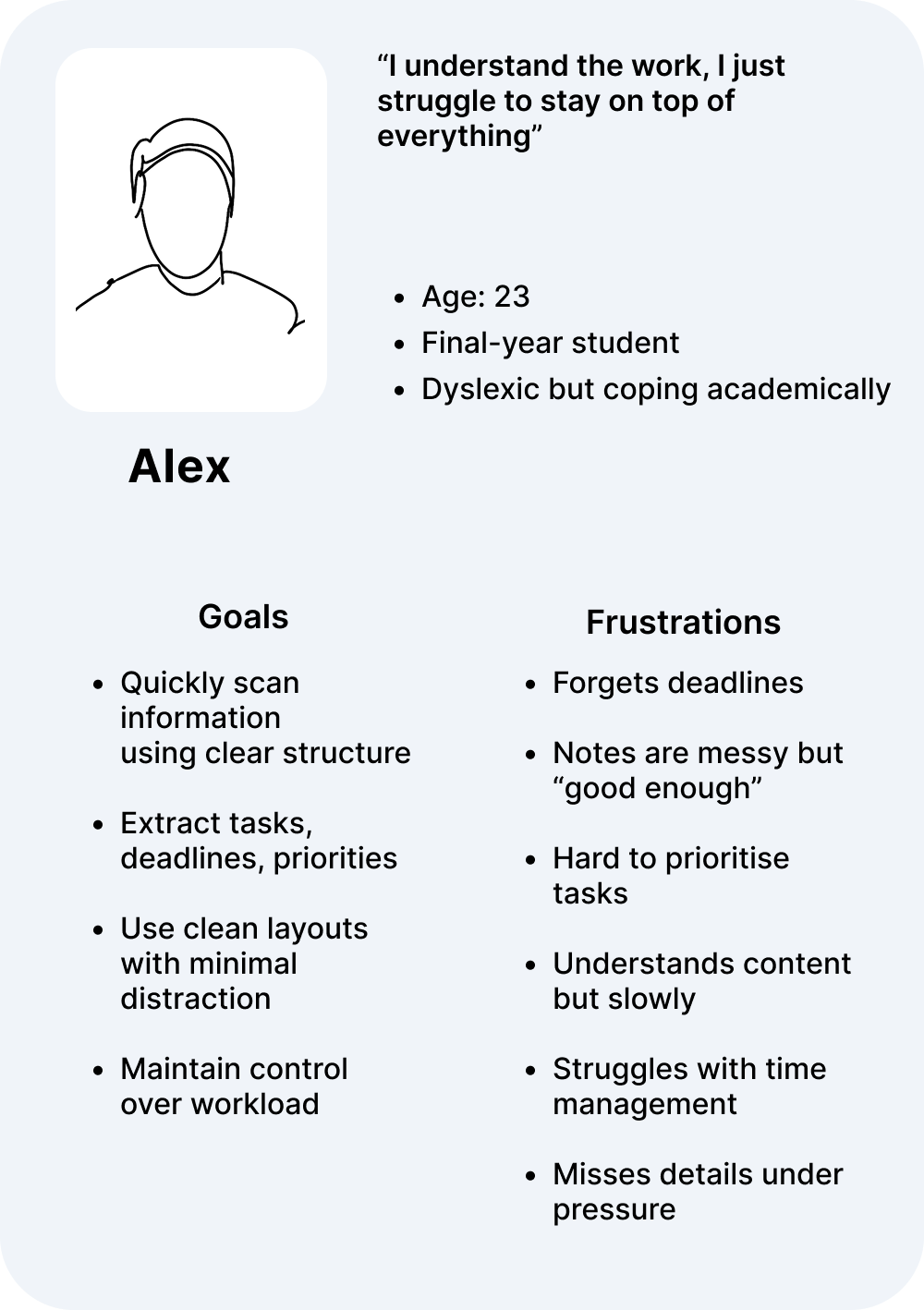
Based on my research and interviews, I developed three user personas to guide design decisions and keep the product grounded in real needs.
Looking at competitors
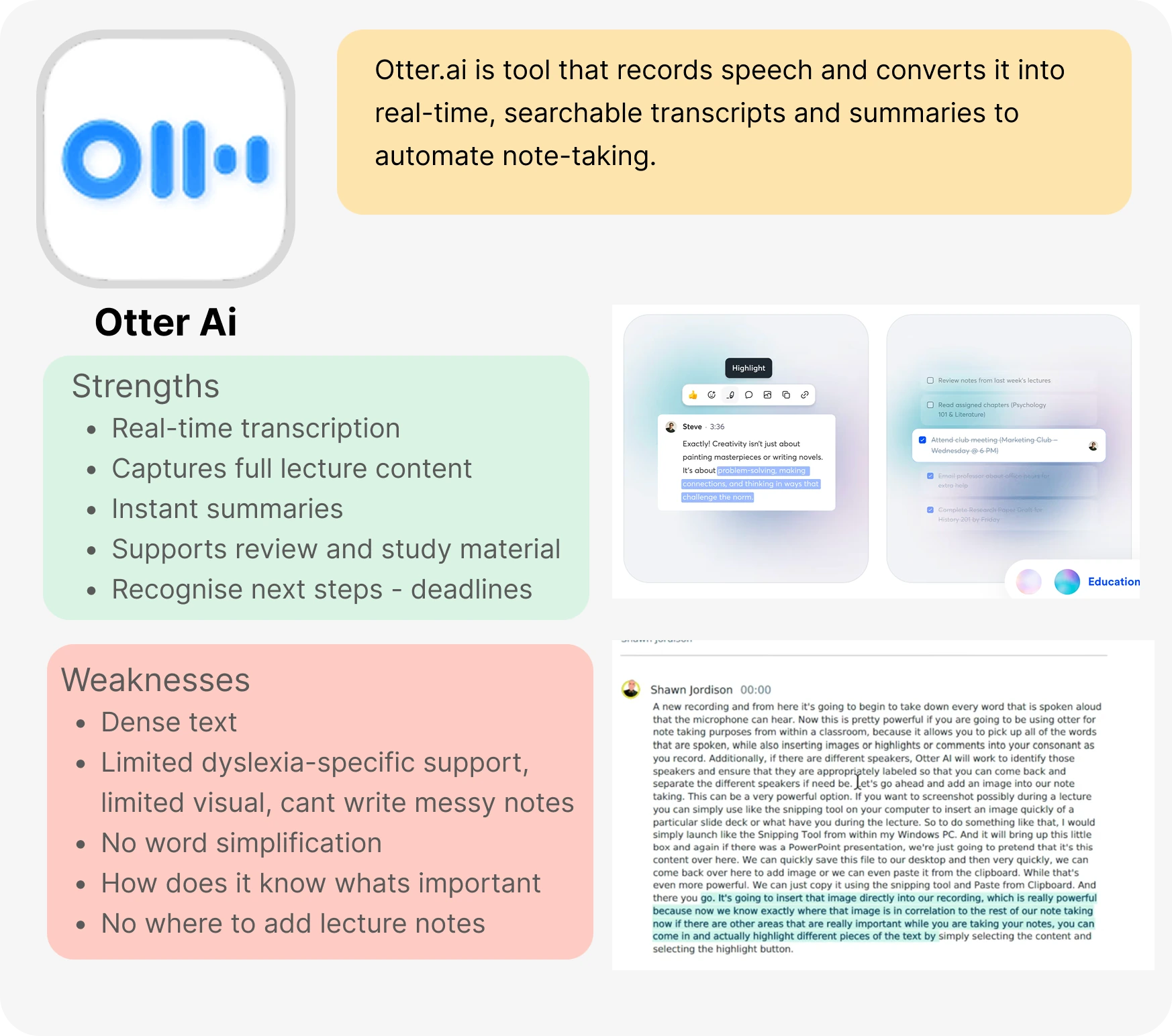
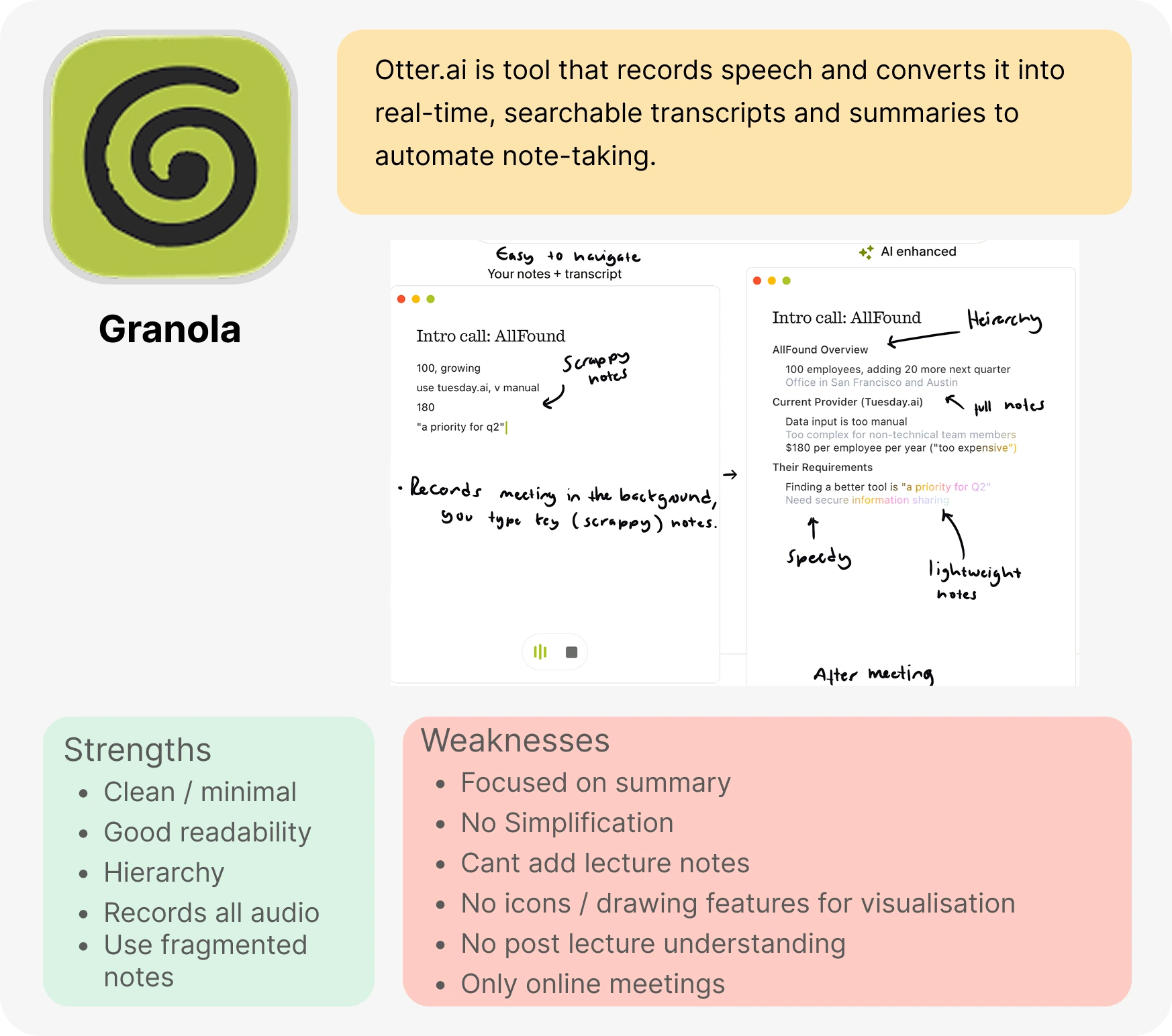
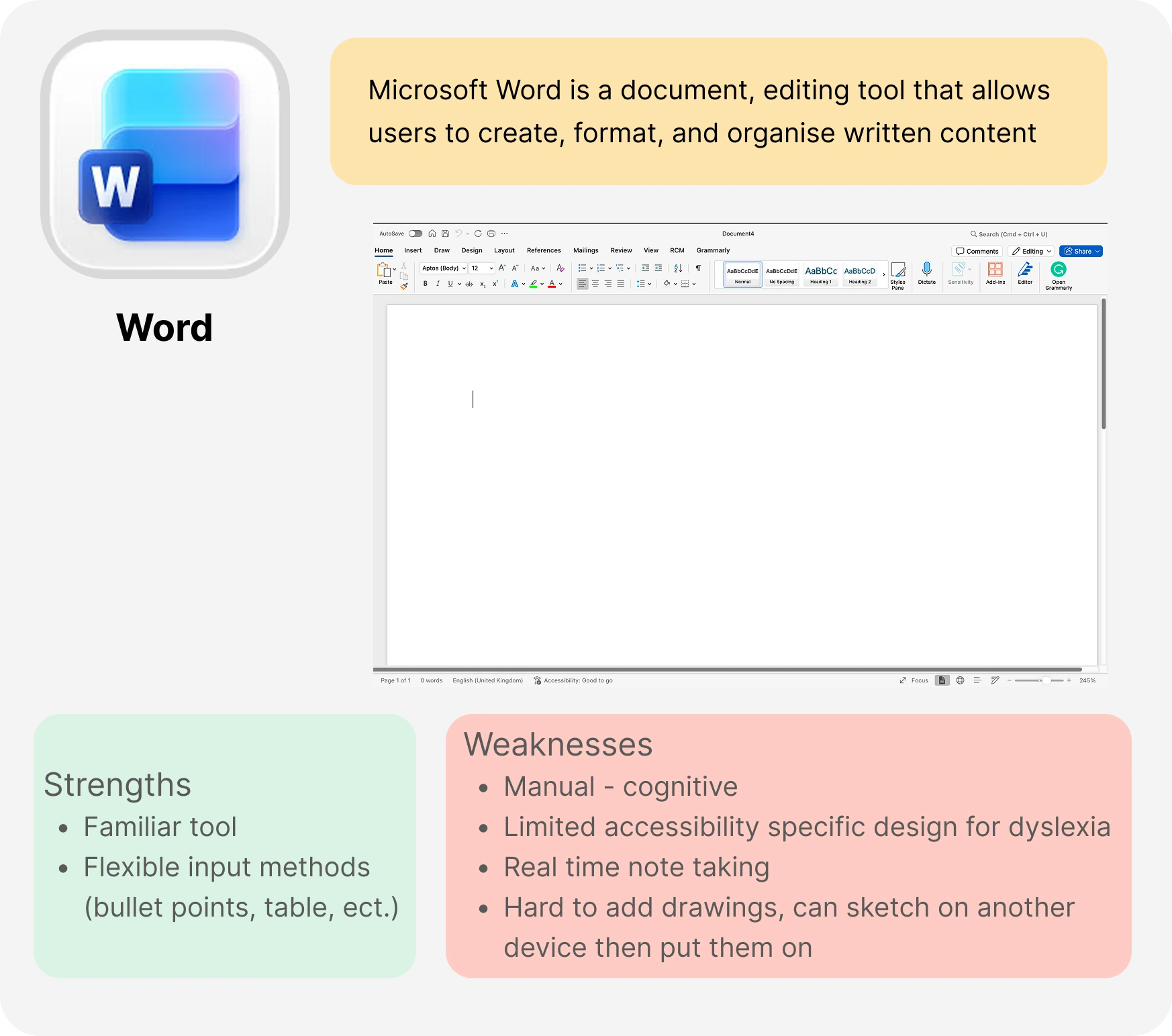
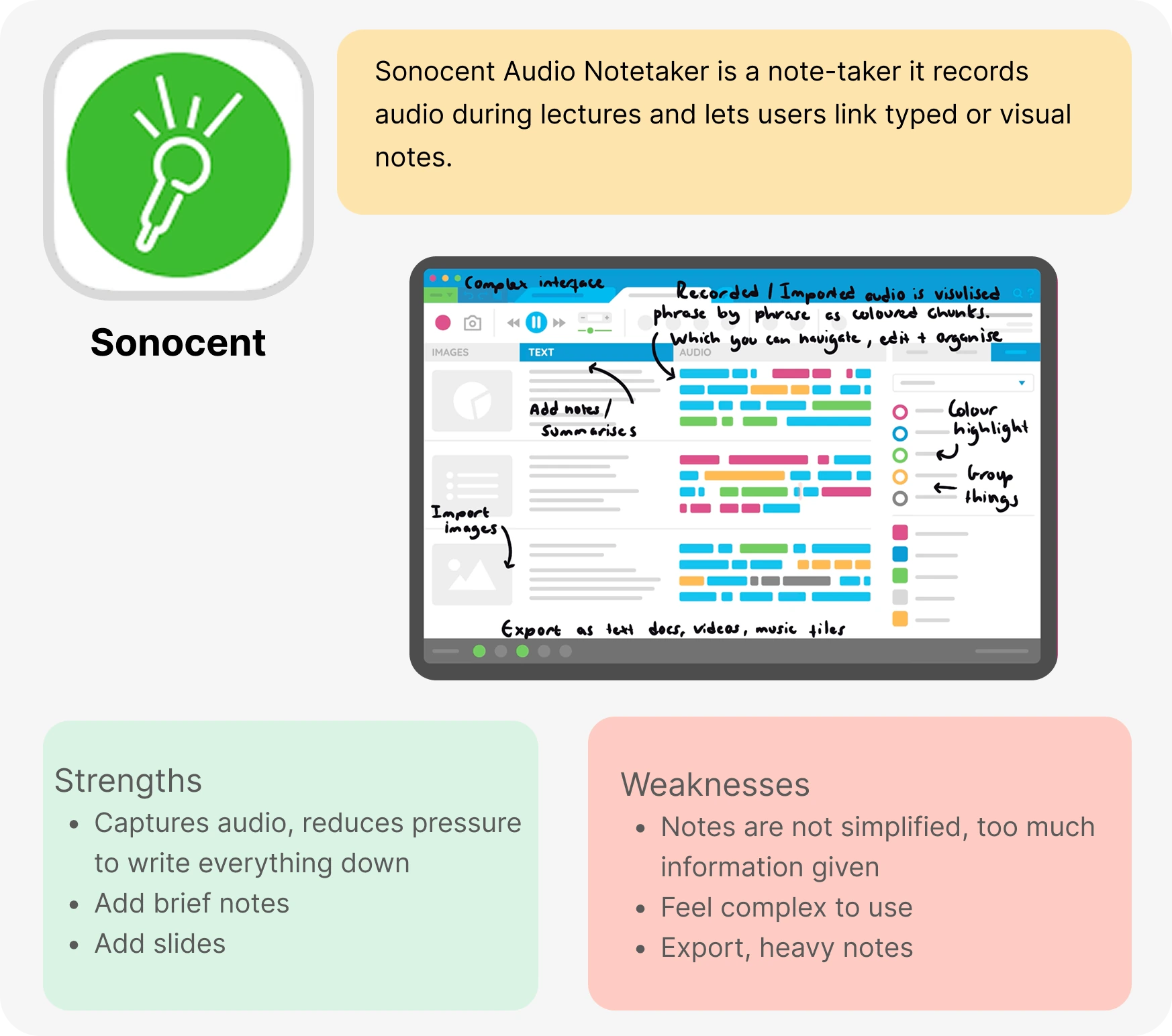
I analysed existing competitors to identify their strengths, weaknesses, and opportunities for improvement.
Tools like:
- Otter.ai
- Granola
- Microsoft Word
- Sonocent
Each addressed parts of the problem — but none were designed with the full range of challenges dyslexic students face in mind.
Four directions before committing to one
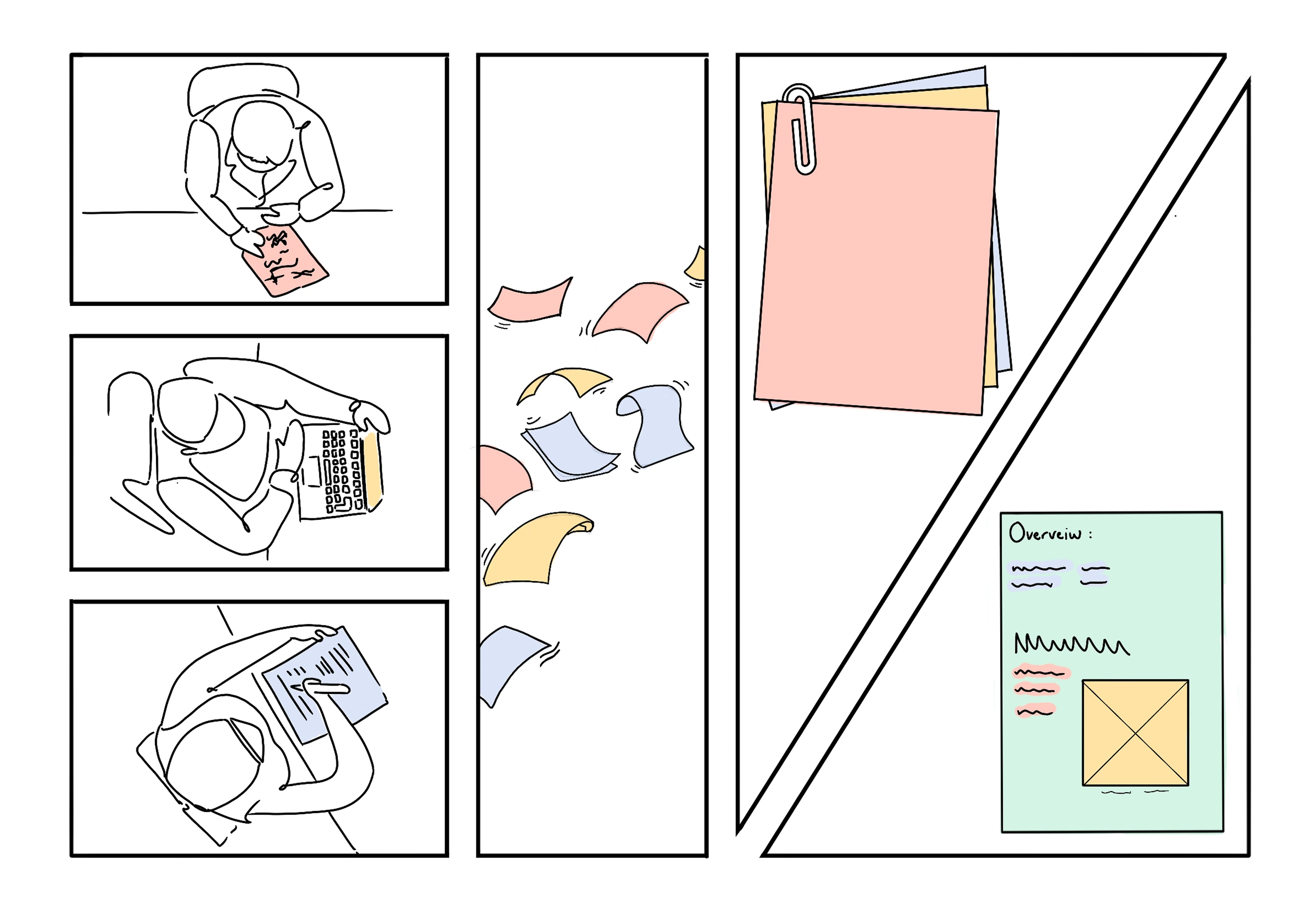
Rather than jumping straight to a solution, I explored four distinct service concepts. Each addressed a different aspect of the problem, and each had real weaknesses. This process was essential in identifying which ideas were genuinely useful and which created new problems of their own.
Lectra — the final direction — emerged from combining the strongest elements of each concept into a single, cohesive service.
Concept 01
Shared Notes
- Combines peer notes into a refined, consolidated summary
- Reduces individual pressure to capture everything
- Multiple perspectives improve overall note quality
Weaknesses:
- Notes may be messy, incorrect, or overwhelming to sort through
Concept 02
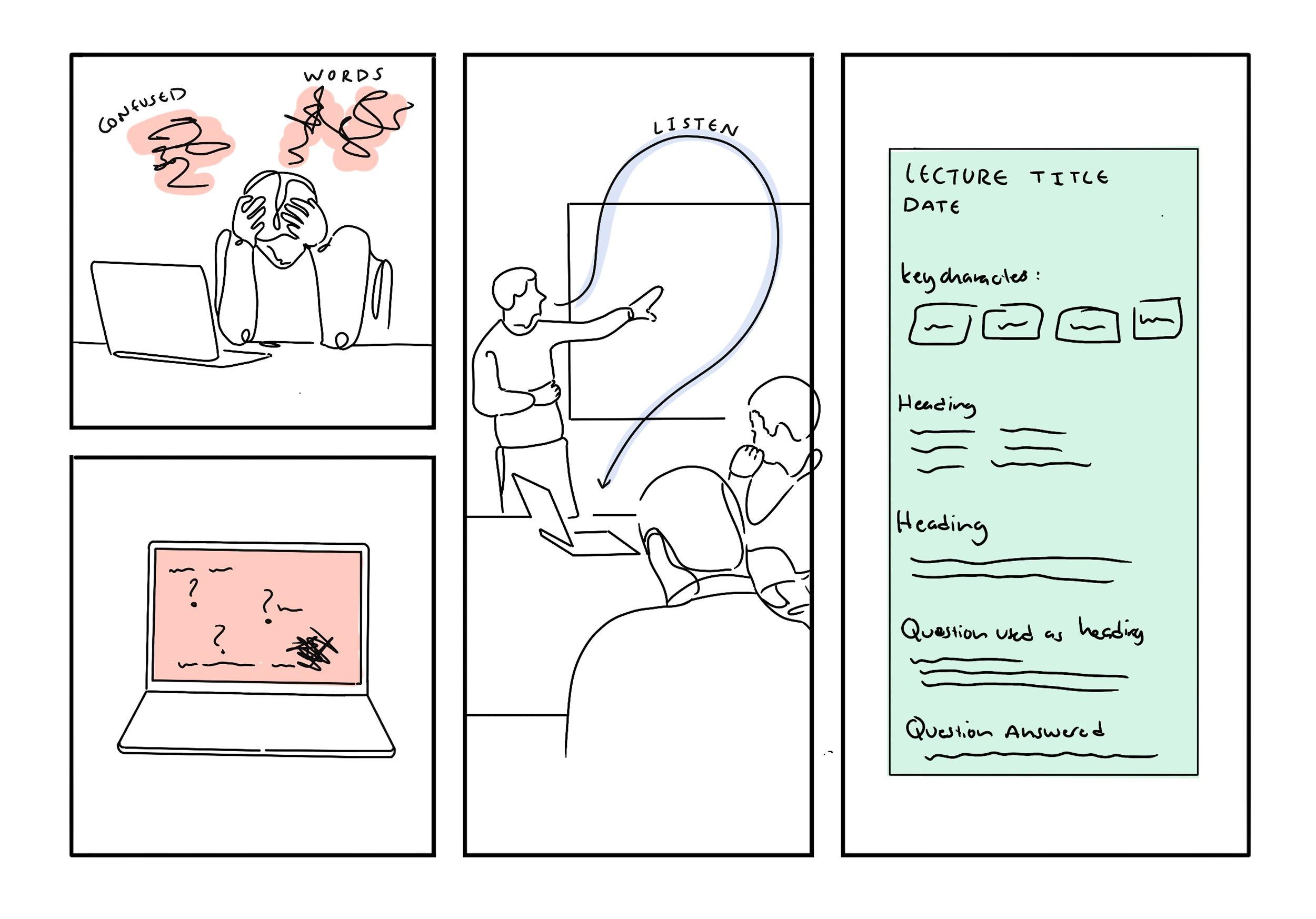
Structured Notes
- Uses lecture audio to reconstruct and structure your fragmented notes
- Organises content around key headings and hierarchy
- Questions you capture mid-lecture are answered or used to shape your notes
Weaknesses:
- Reliant on accurate lecture audio
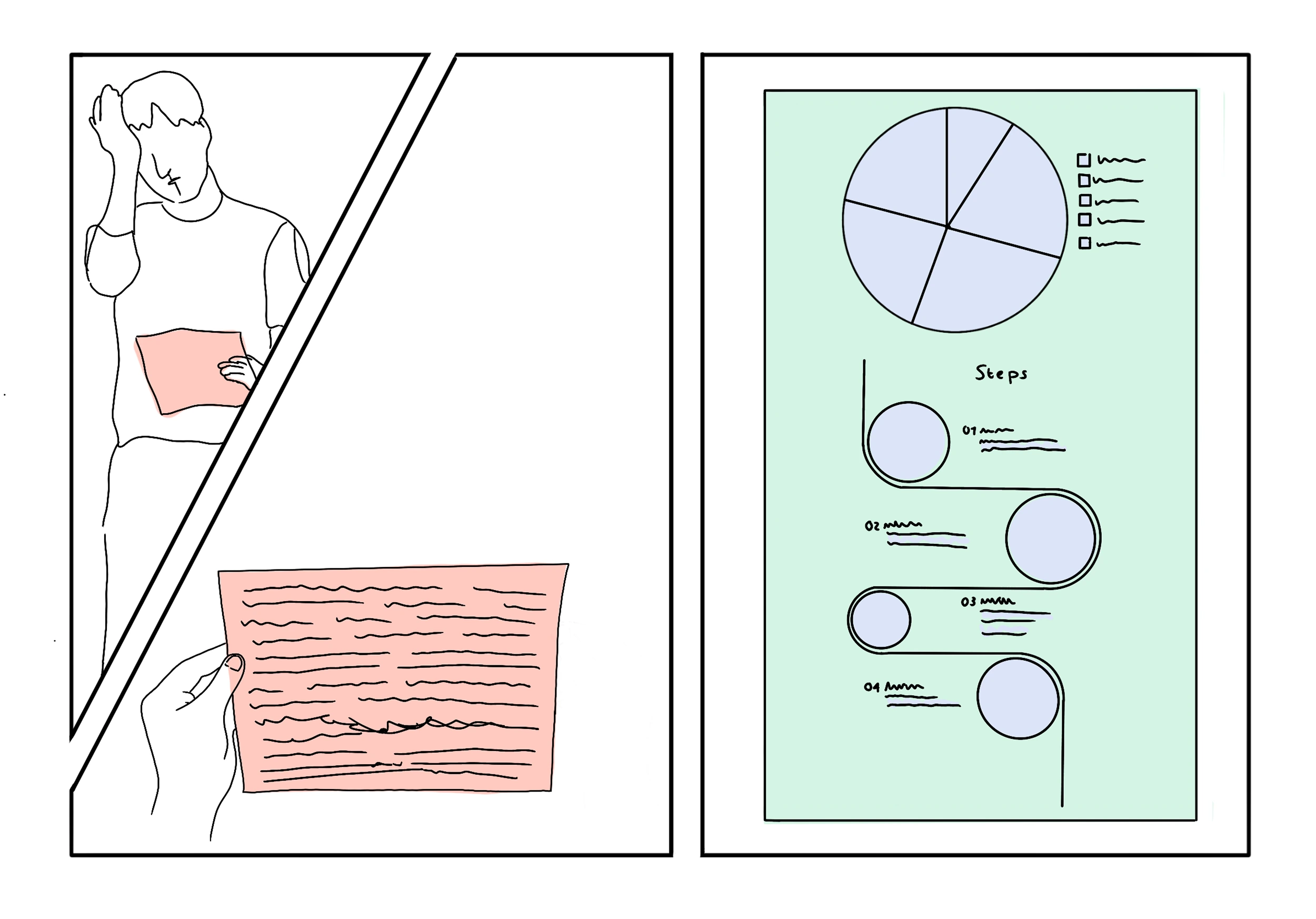
Concept 03
Notes to Visualisation
- Converts your notes into clear visuals — flow charts, diagrams, and summaries
- Reduces cognitive load by presenting information visually
Weaknesses:
- Can oversimplify or misrepresent content, and not all information translates well visually
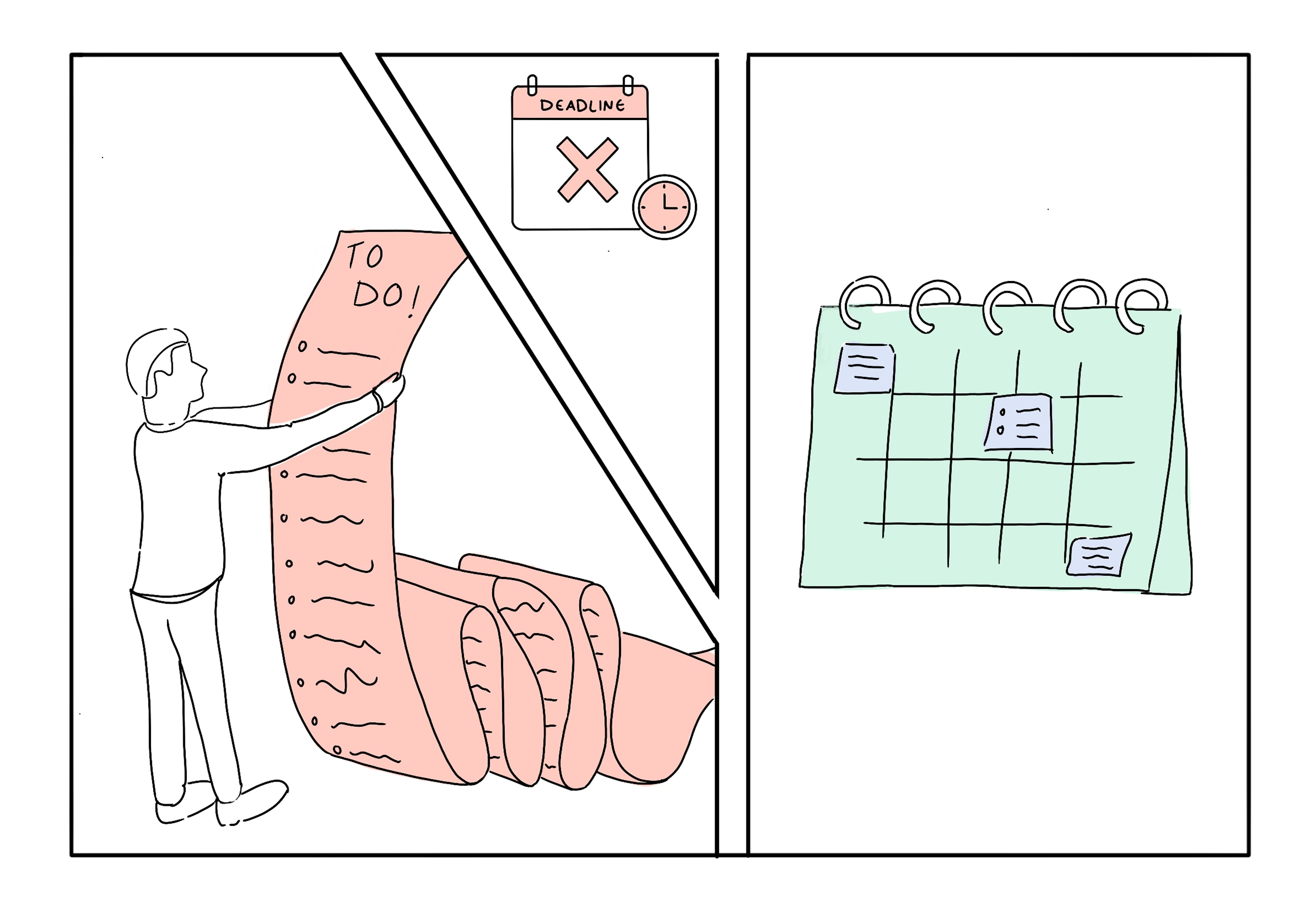
Concept 04
Next Step Navigation
- Breaks lecture content into actionable steps, prioritised into a to-do list
- Organises tasks into a calendar to manage your time
Weaknesses:
- Calendar-based structure may not suit every learning style
Bringing it all together
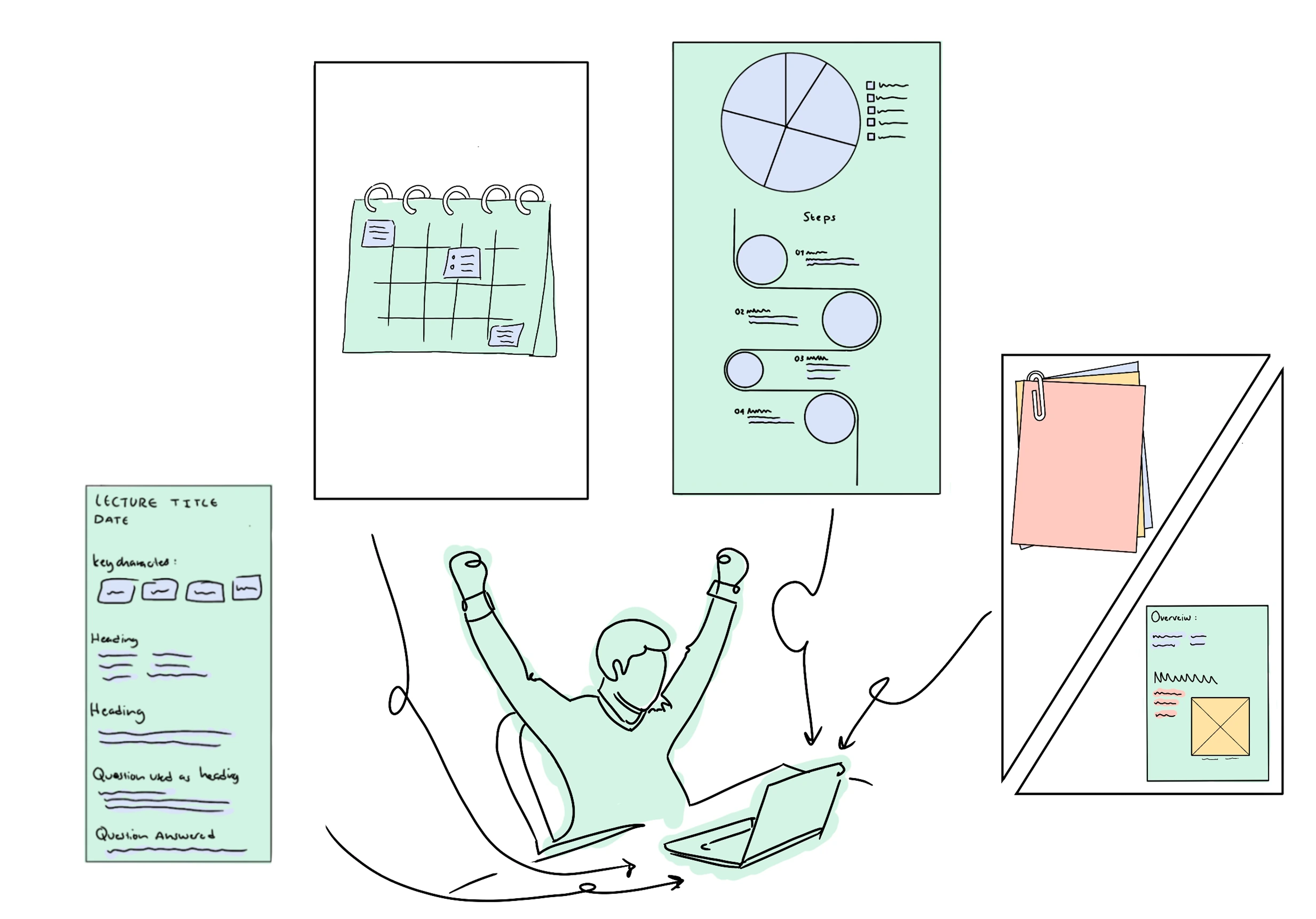
Lectra
- Combines the best of all four concepts into one cohesive tool
- Uses lecture audio to reconstruct and structure your fragmented notes
- Generates visual summaries and personalised next steps to support understanding
- Enables collaborative note sharing so students can learn from each other
Mapping the structure and user flow
Before wireframing, I mapped the product structure to understand what screens were needed and how the user would move through them.
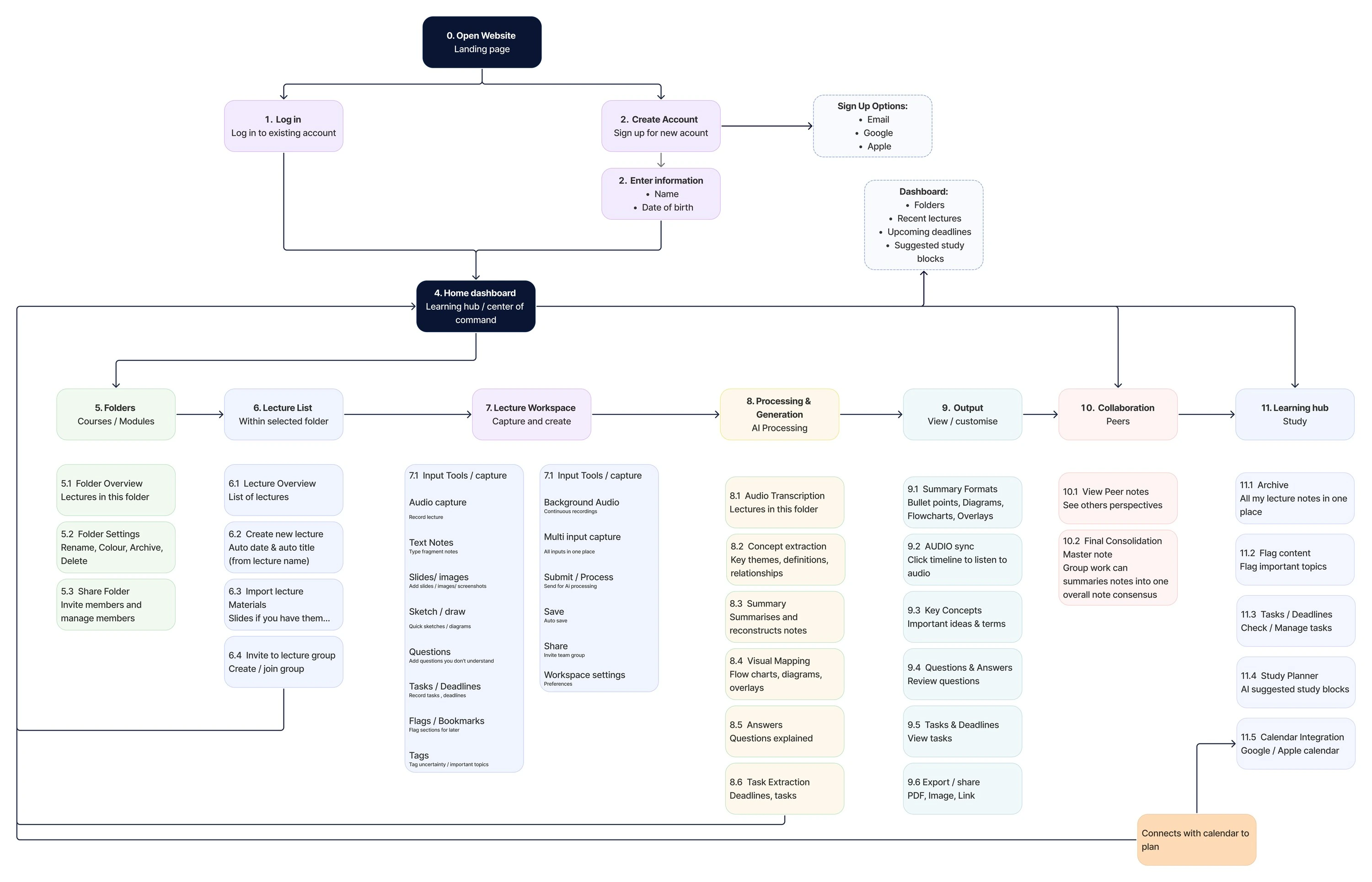
Mapping the full lecture journey
Using insights from my research and interviews, I mapped the full user journey through Lectra to build a clear picture of how the service would support students before, during and after each lecture.
Laying out the screens
Following ideation, I mapped the product’s structure with an information architecture and user flow, then translated that into low-fidelity wireframes. Working in greyscale kept the focus on layout and hierarchy — where each element sits and what a student sees first — before committing to any visual detail.
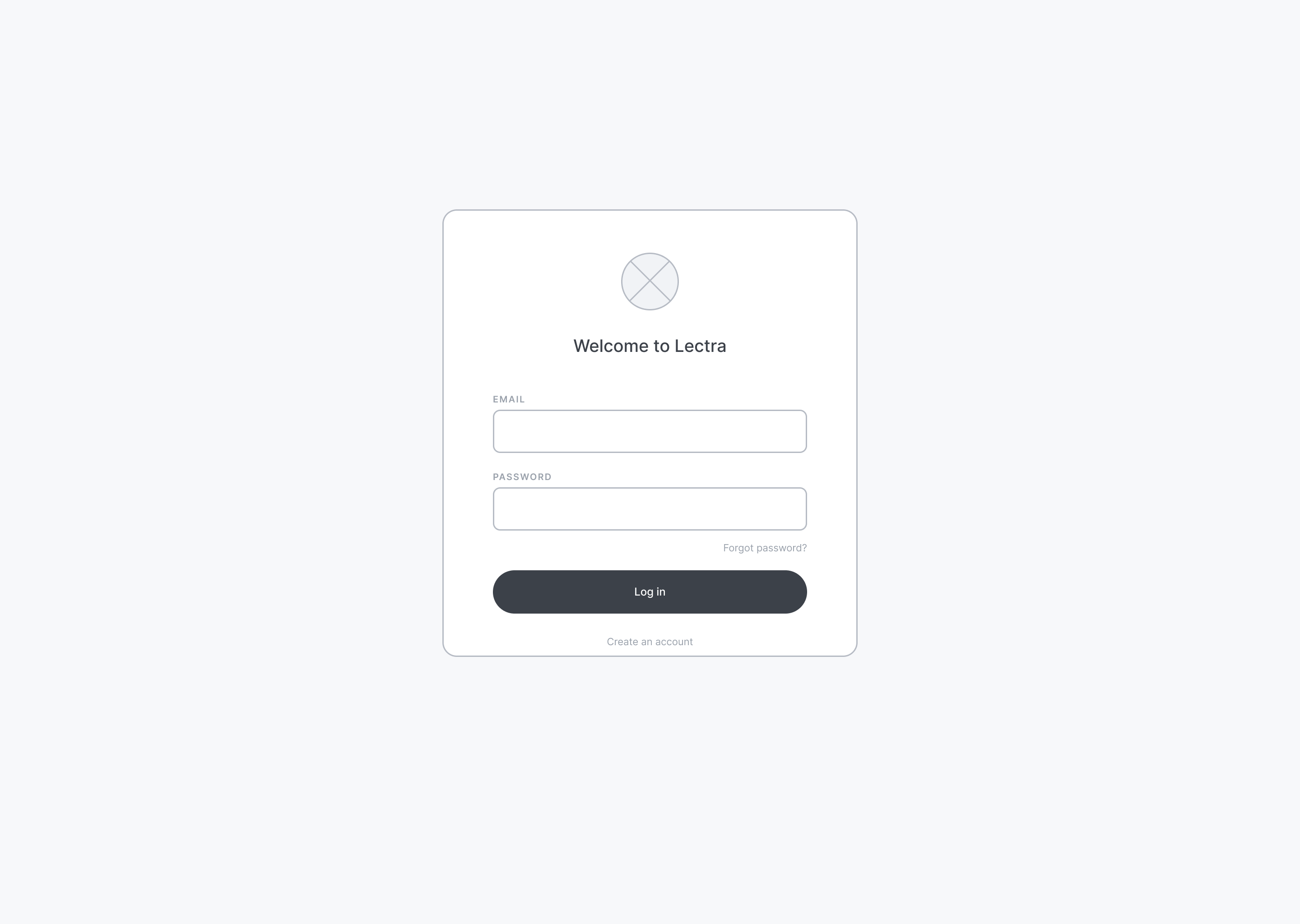
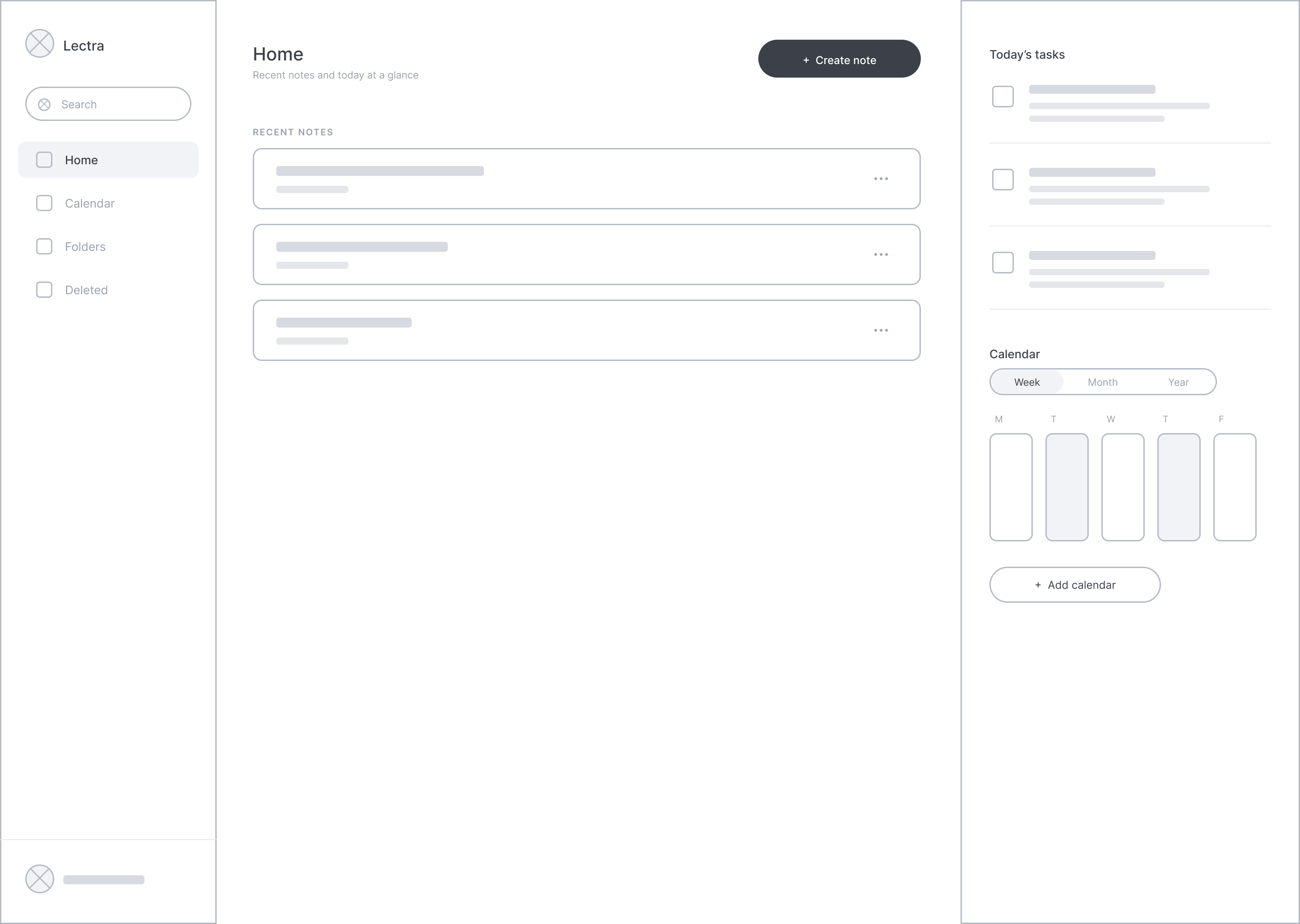
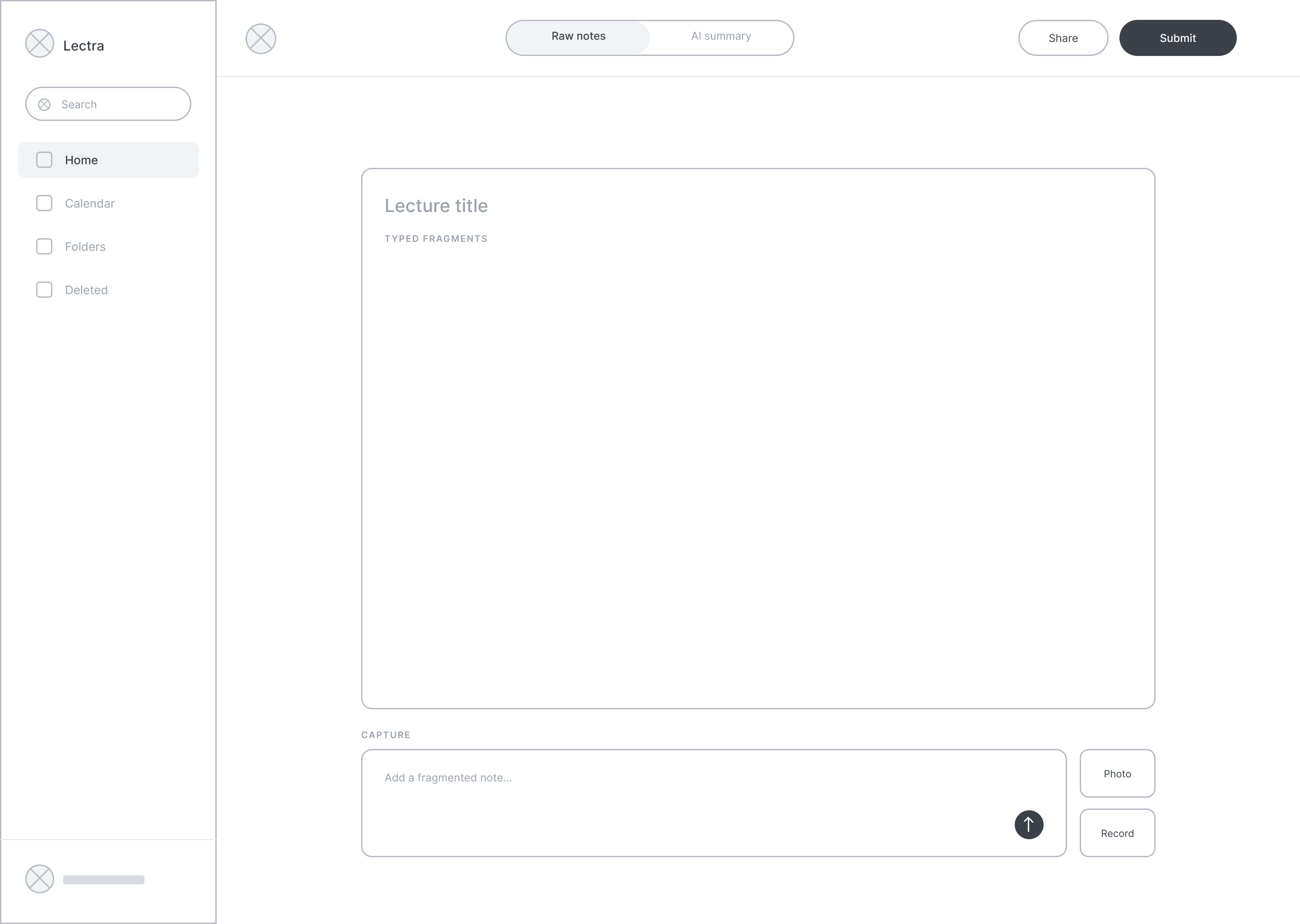
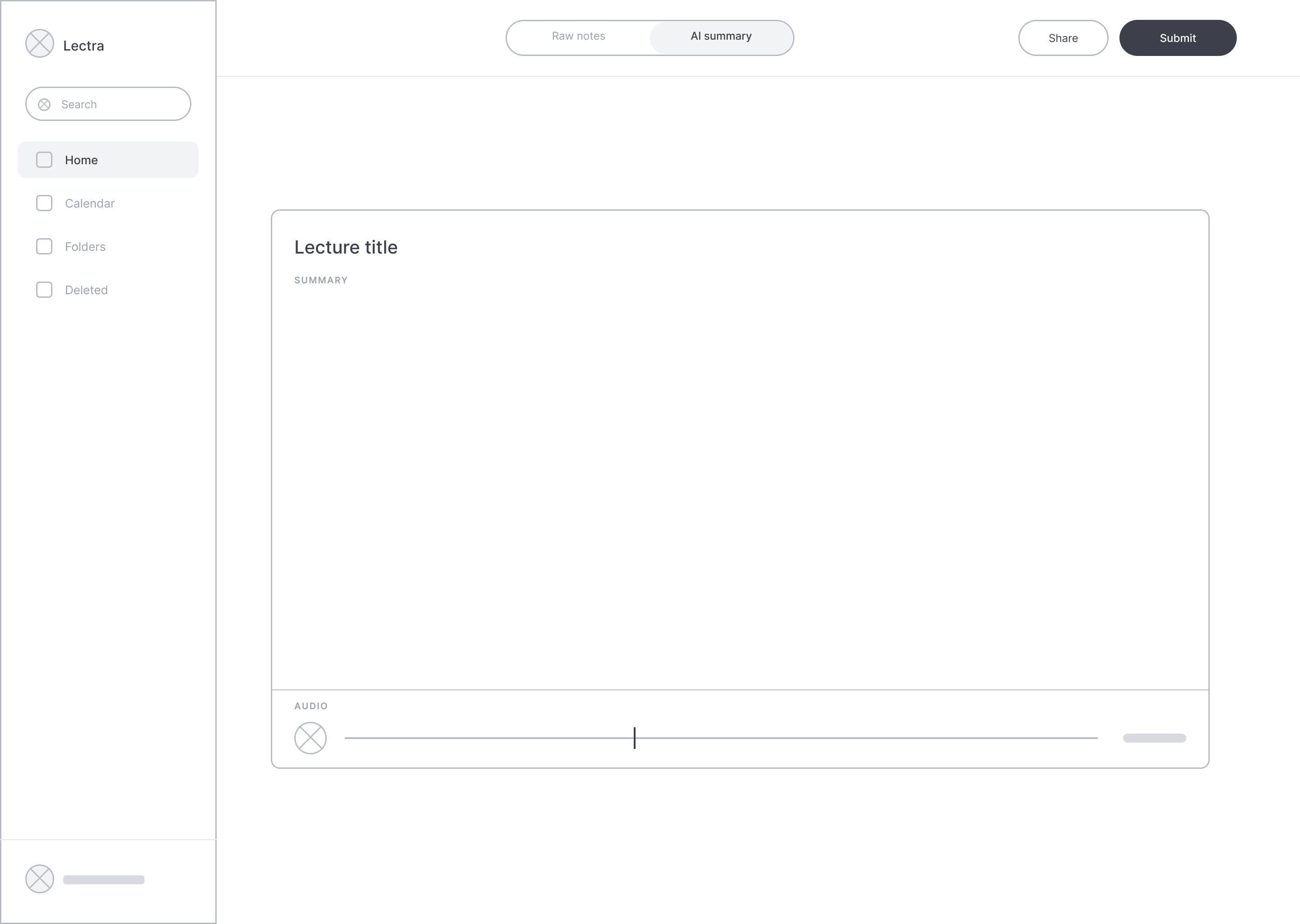
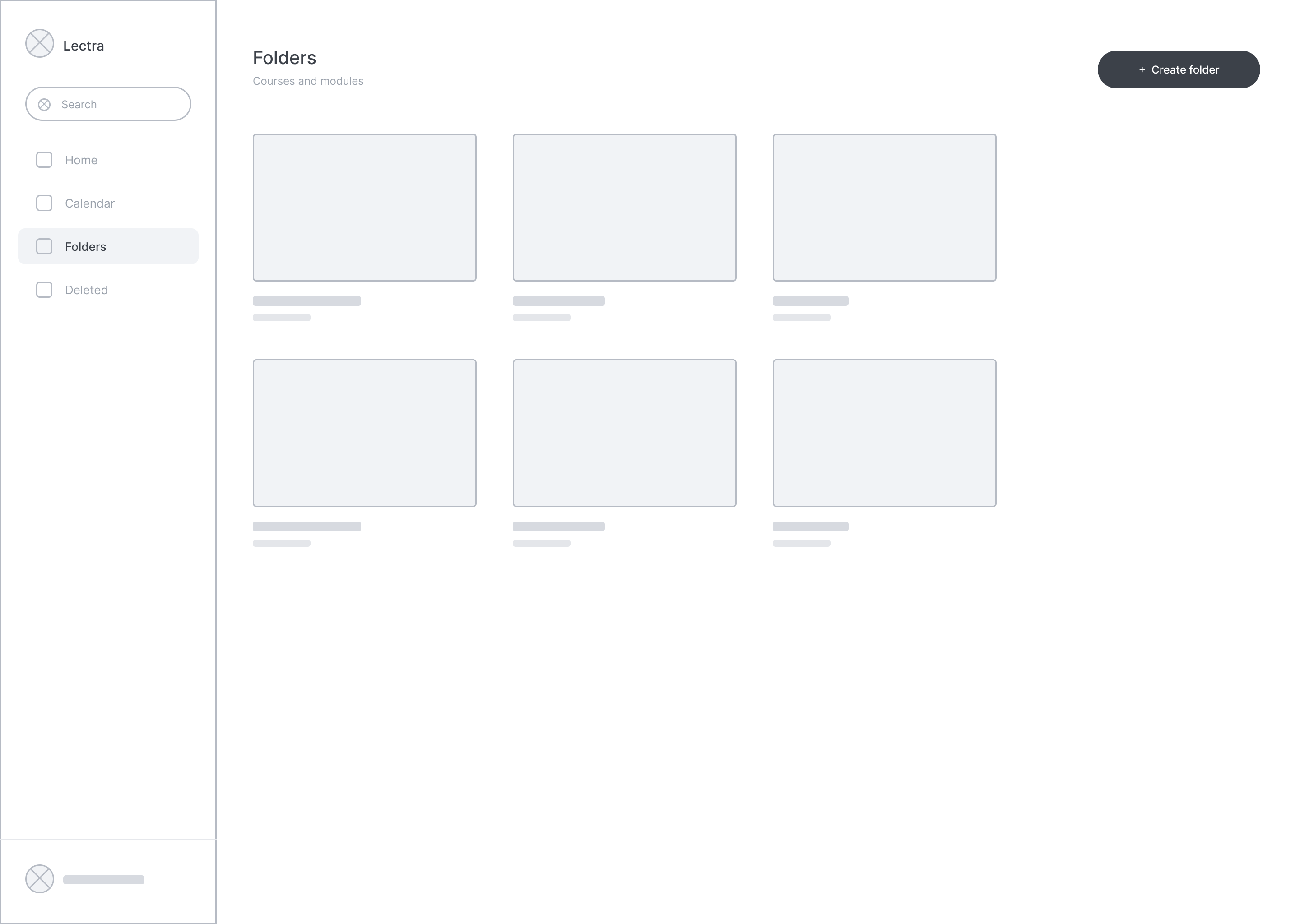
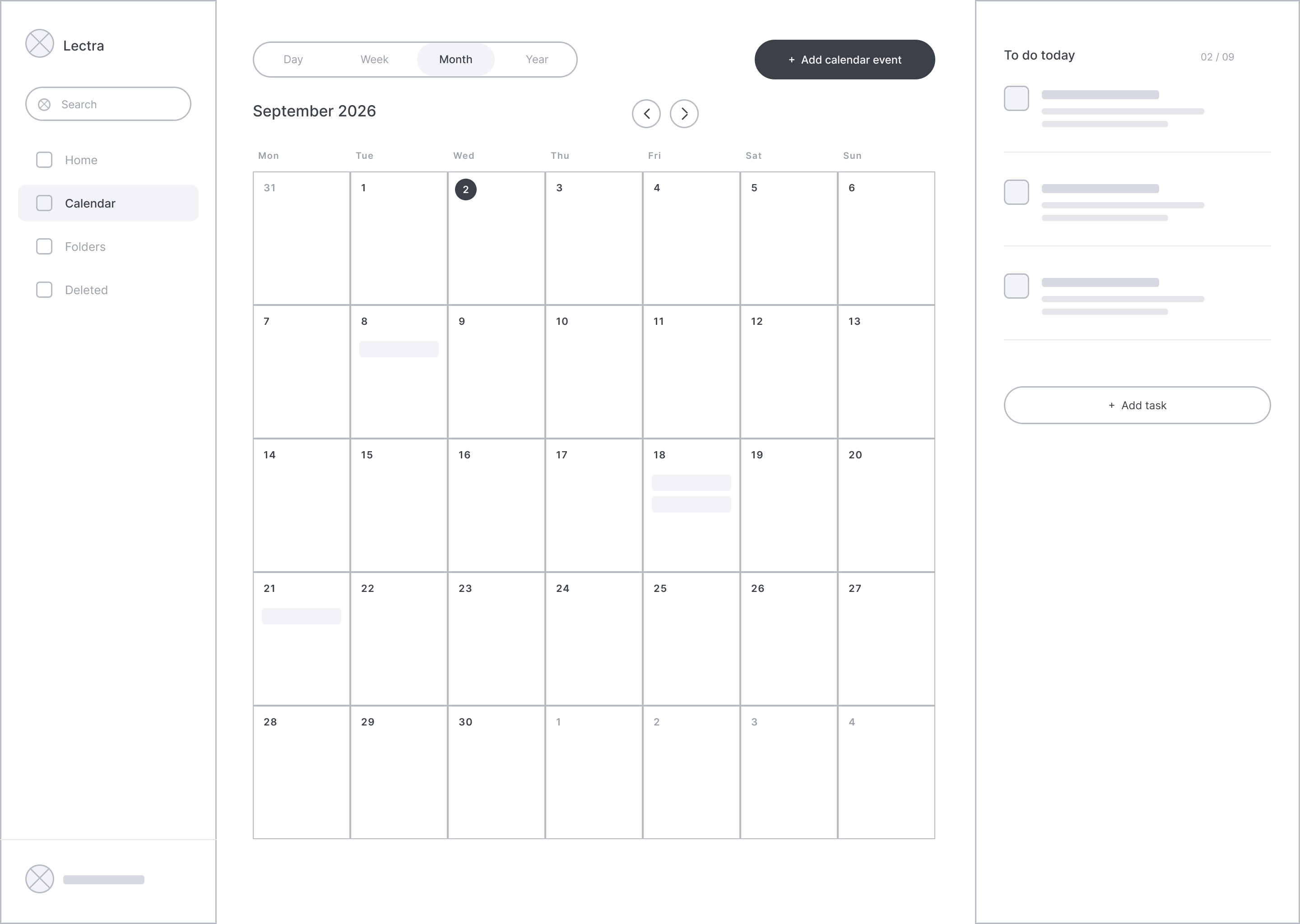
Log in
Home dashboard
Lecture workspace
AI summary
Folders
Calendar
From wireframe to mid-fidelity
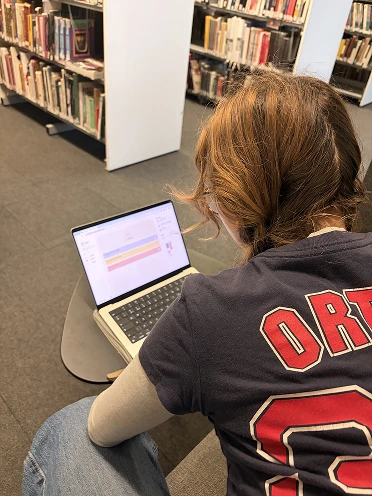
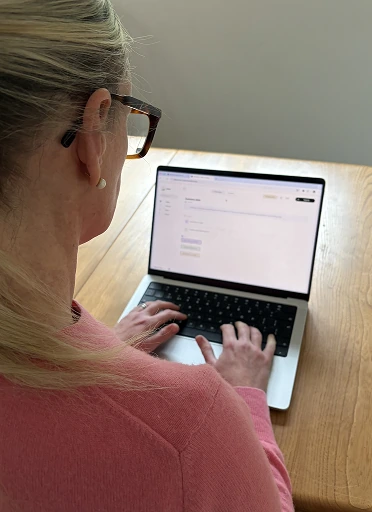
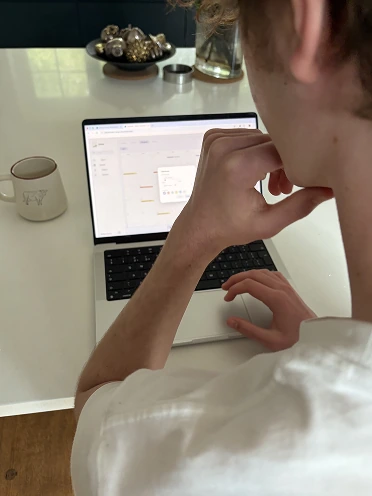
3 participants
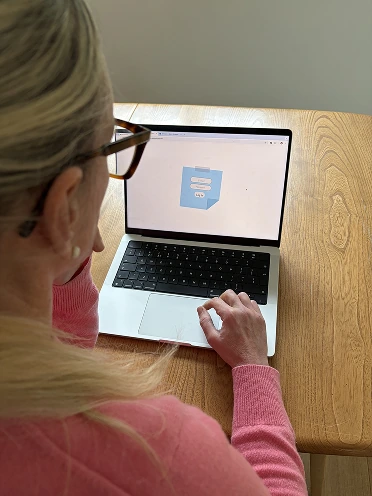
I developed the wireframe into a mid-fidelity build, prioritising structure and functionality. I tested it with 3 dyslexic classmates for strengths and improvements.
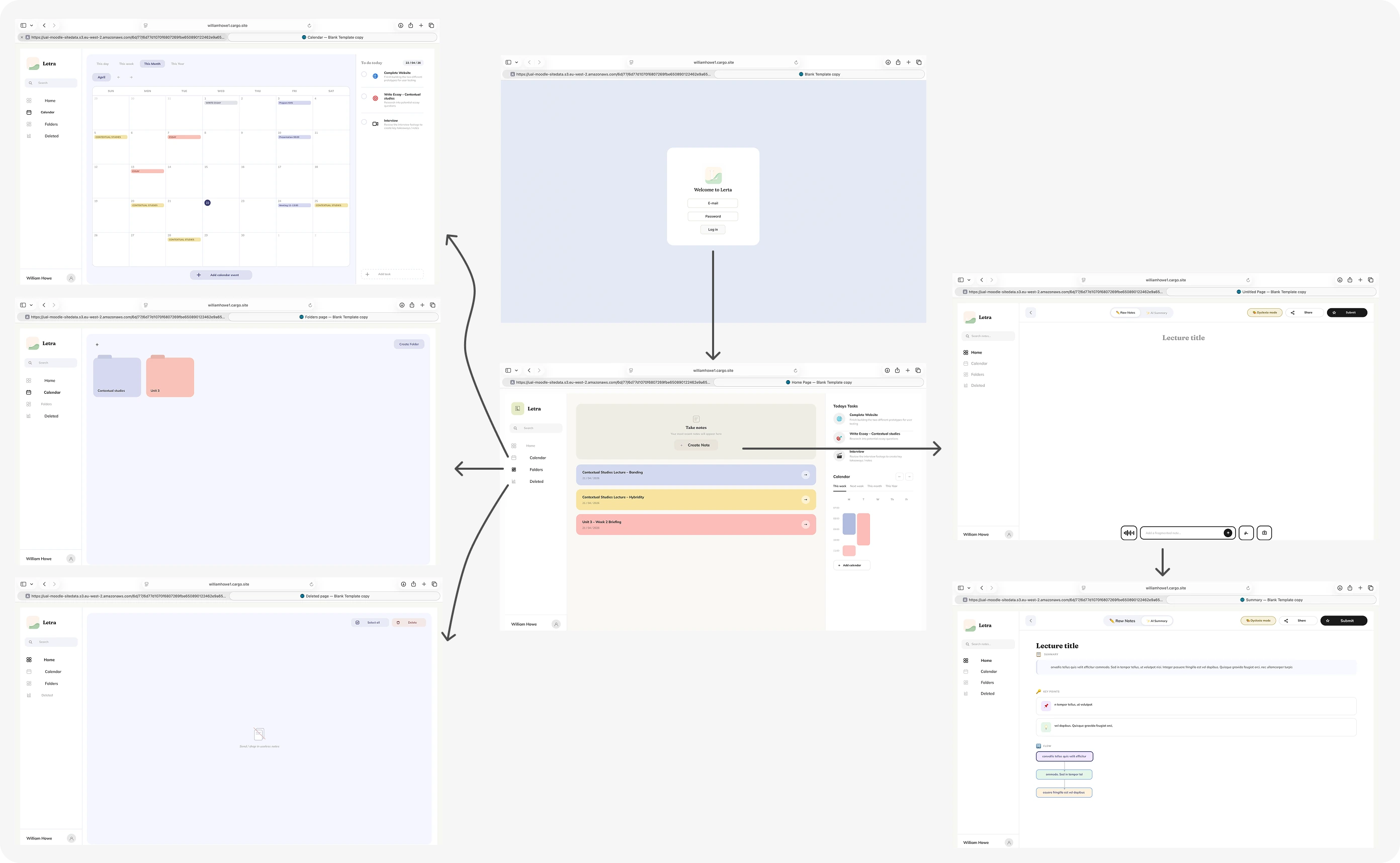
Finding the right personality
3 participants
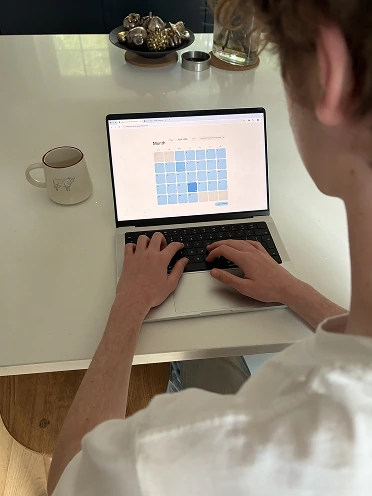
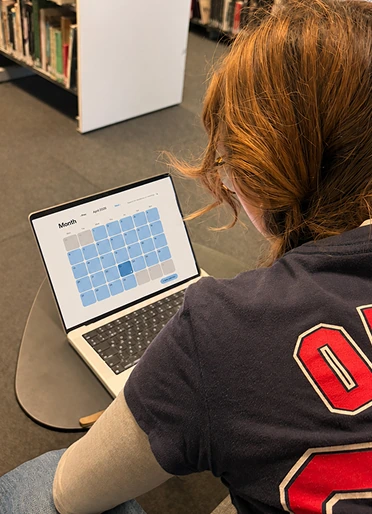
I rebuilt the prototype with a notebook aesthetic and colour-coded activities, then tested it again with the same 3 classmates.
Refining the details
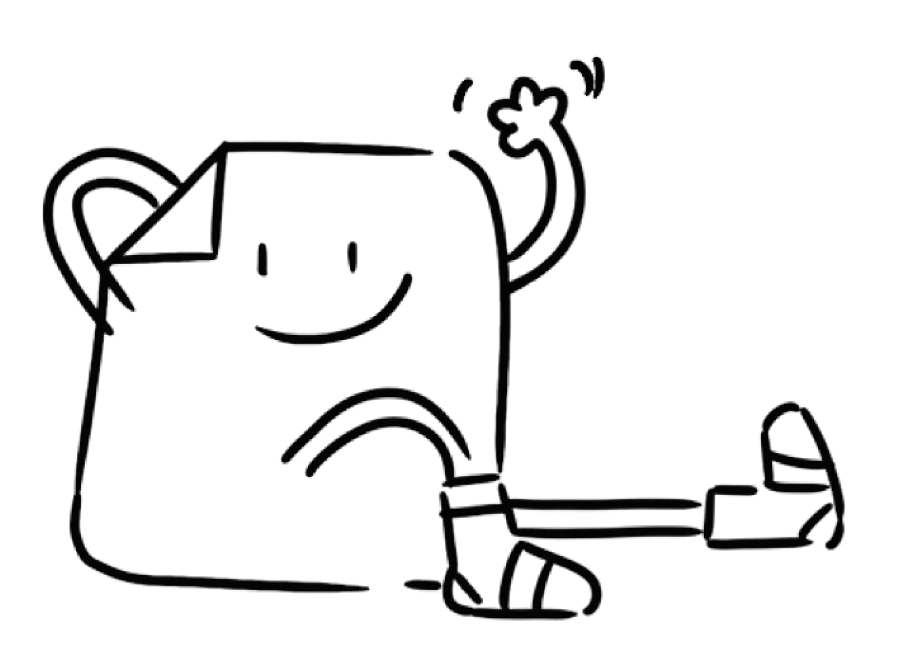
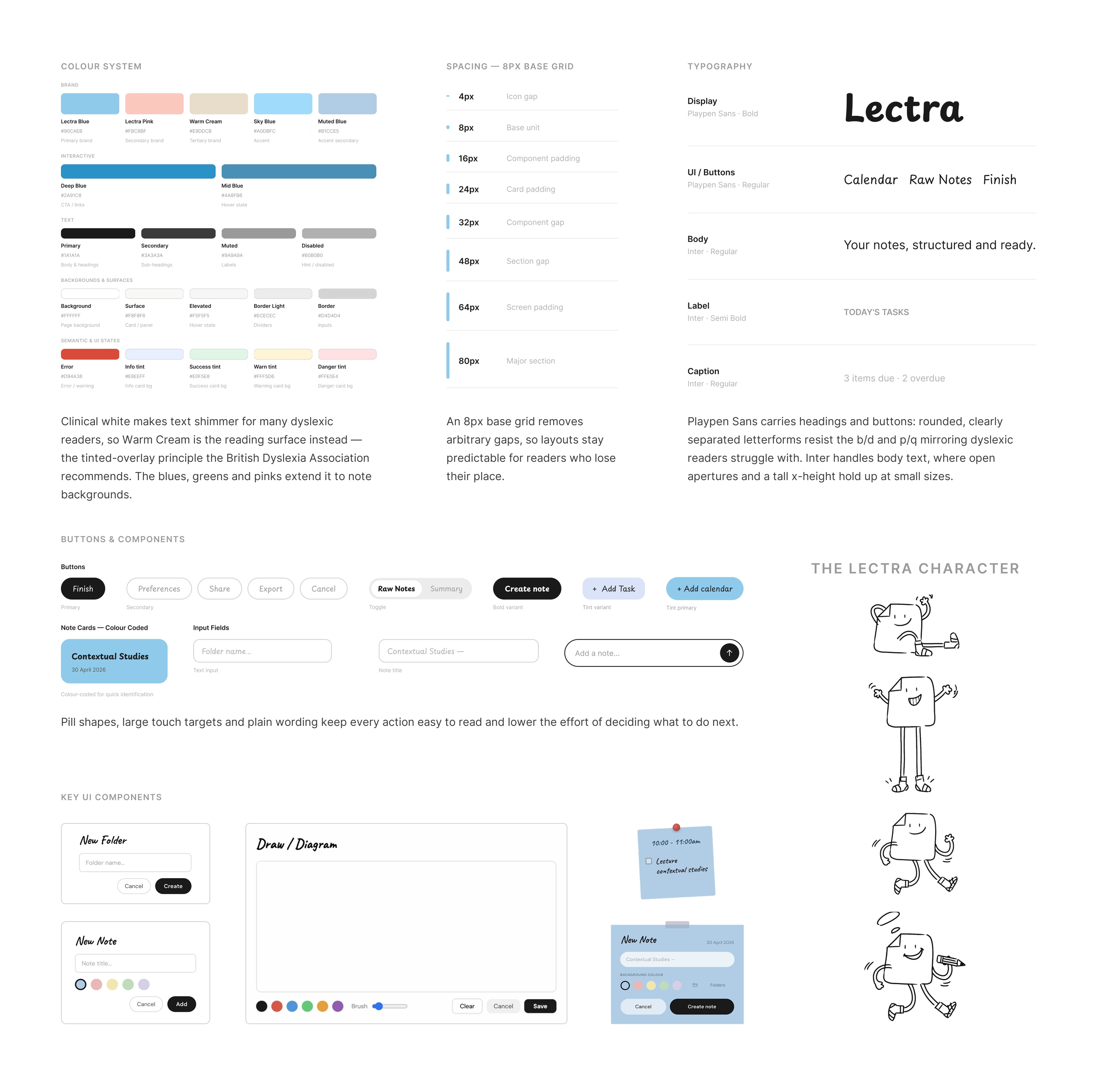
Following the testing rounds, I ideated and developed the design further — refining layout, copy, colour and component states against the user needs and feedback raised by testers, to make a warmer, more dyslexia-friendly product. Alongside it I created Lectra, a personalised helping character to guide students through the app.
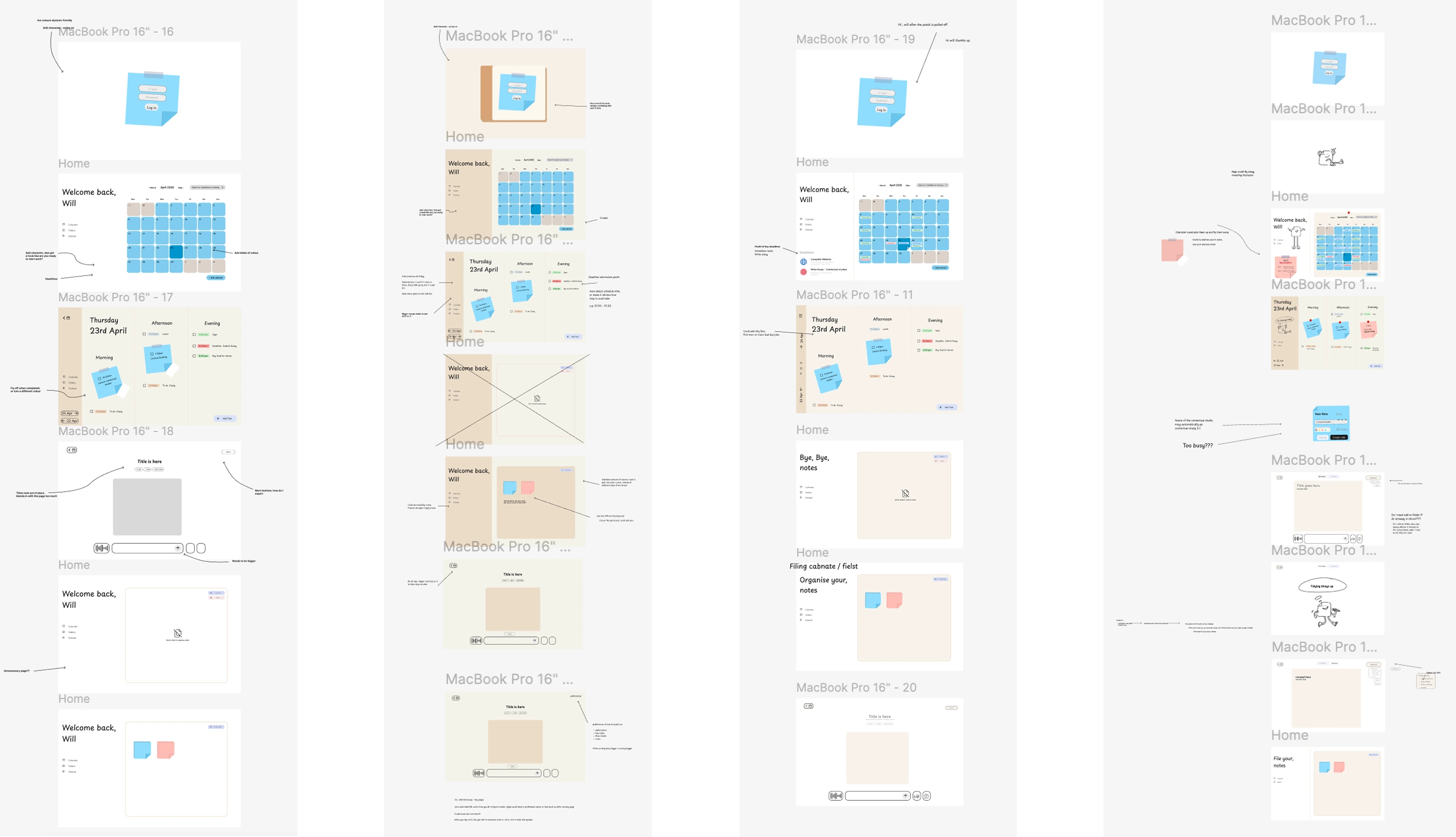
Annotated critique across each pass — layout, colour, copy and component states reworked screen by screen
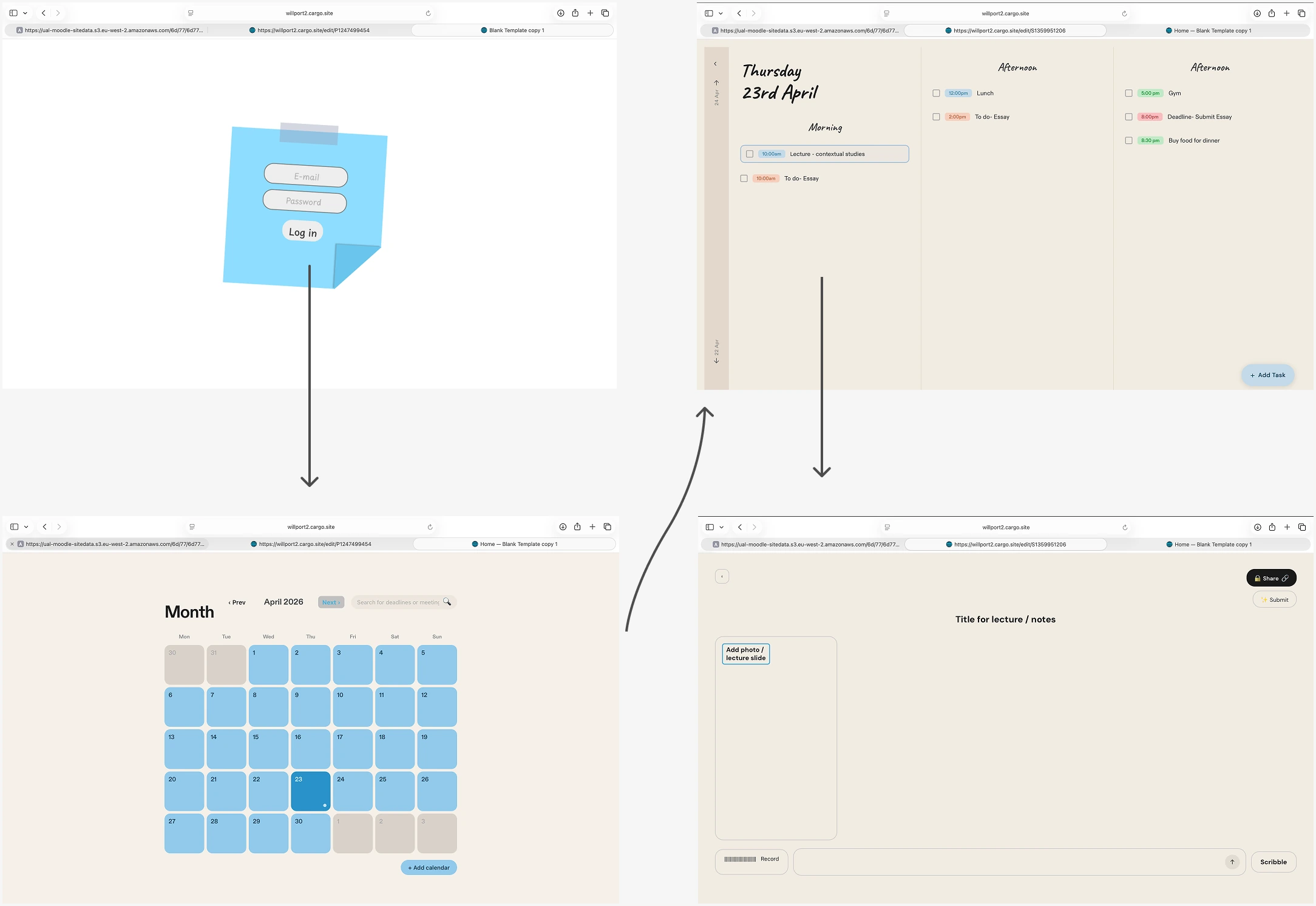
Key screens — walkthrough of the product flow
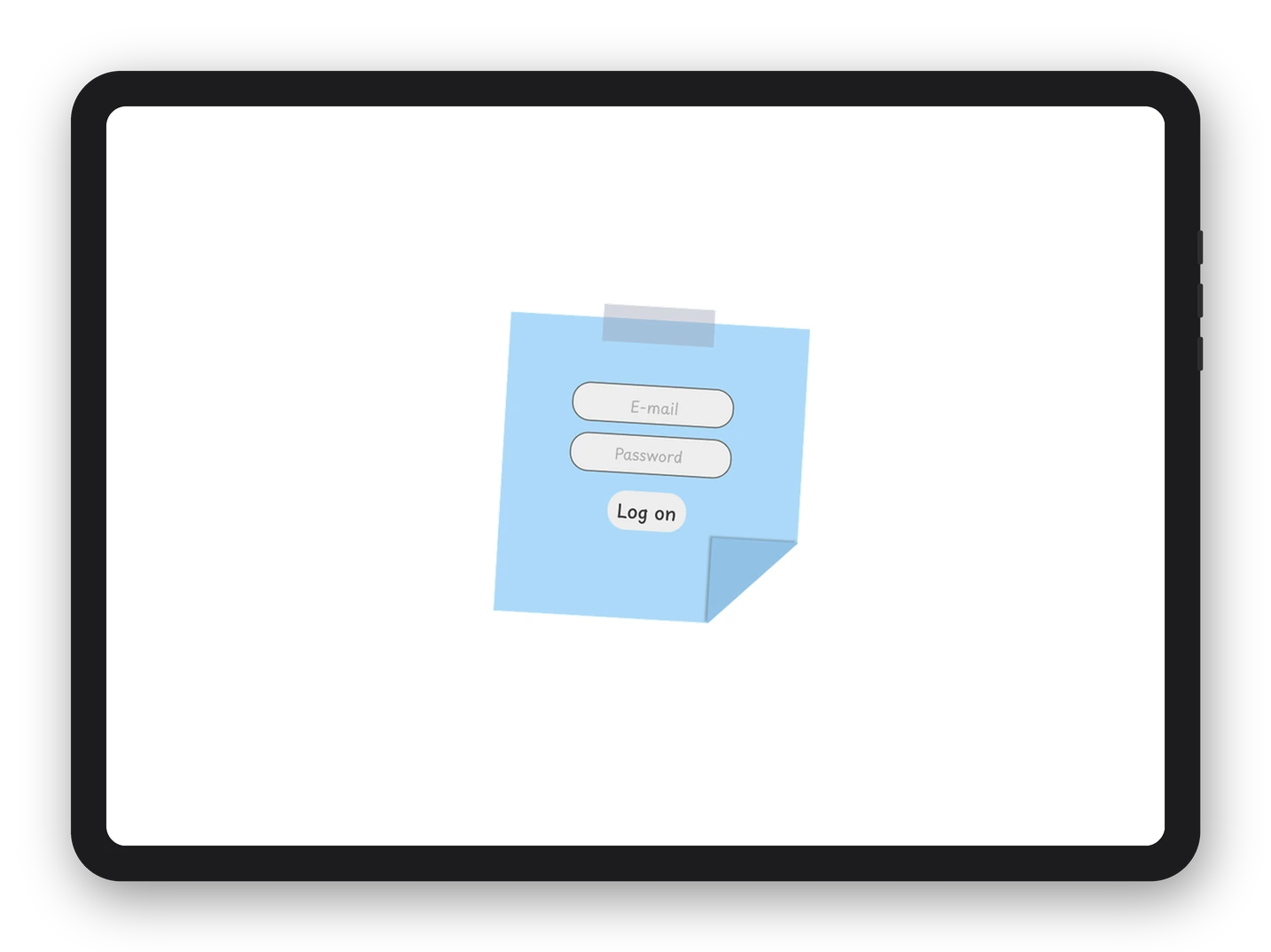
Login / onboarding
Character intro / loading
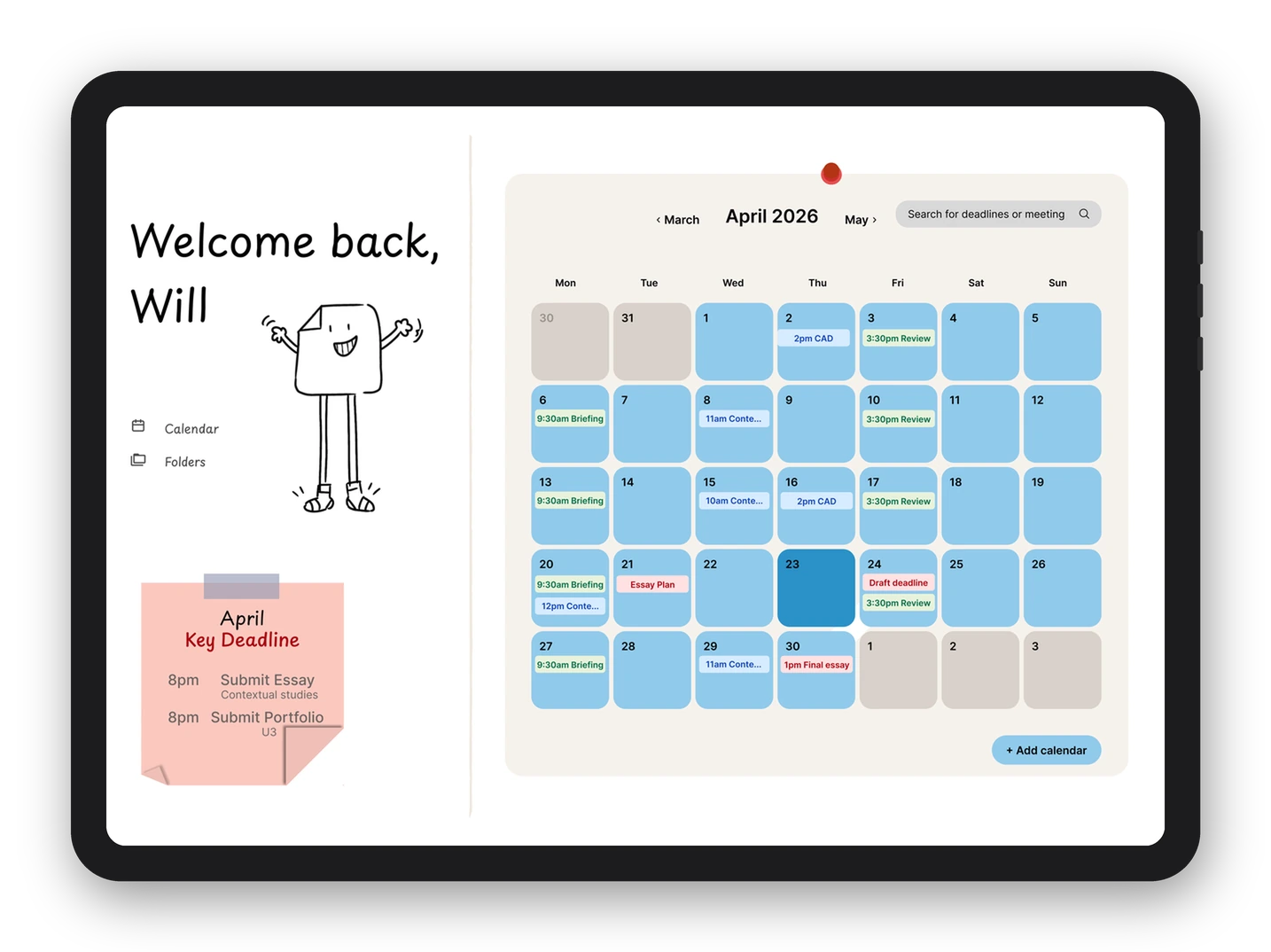
Home dashboard
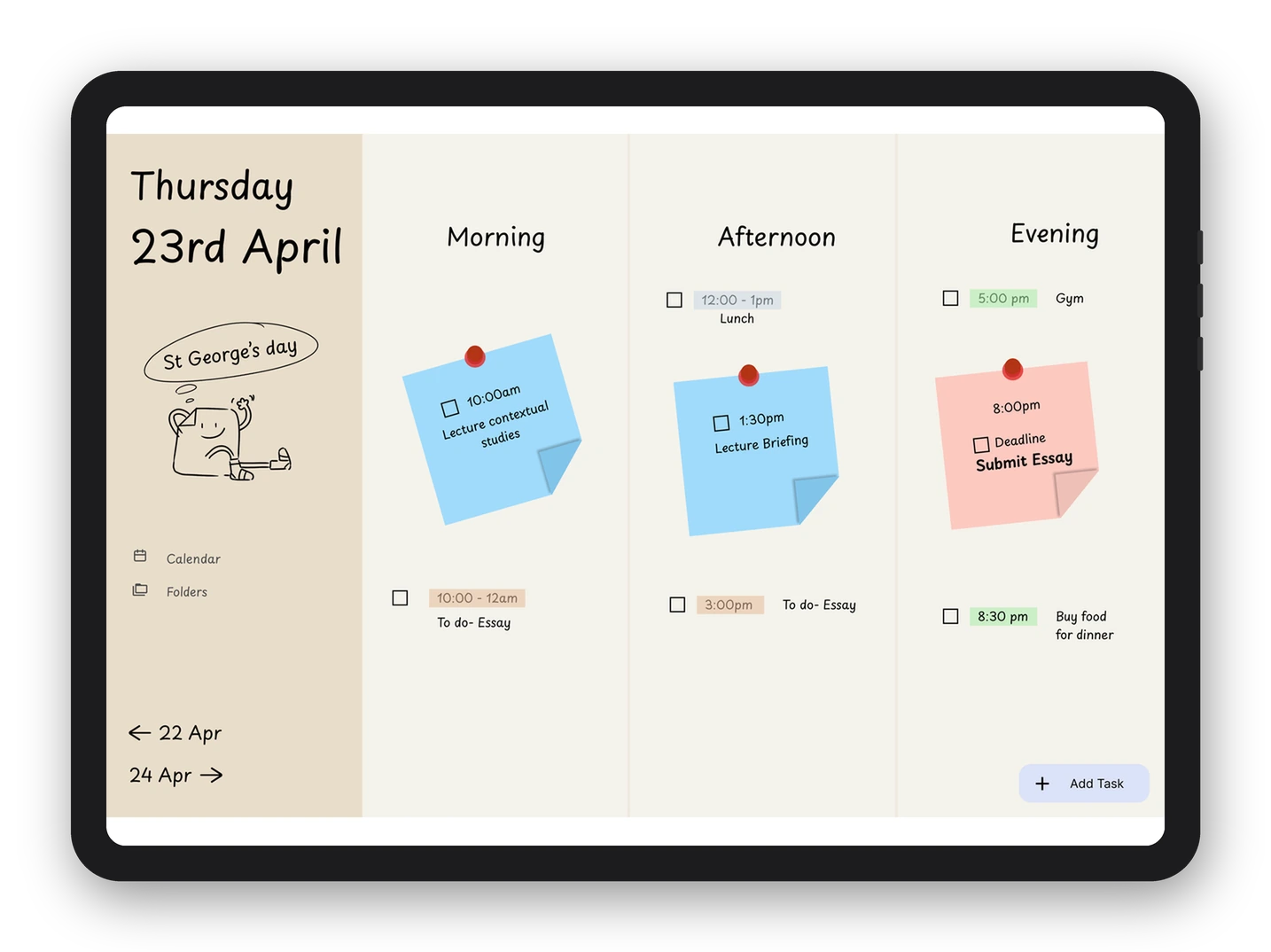
Daily calendar view
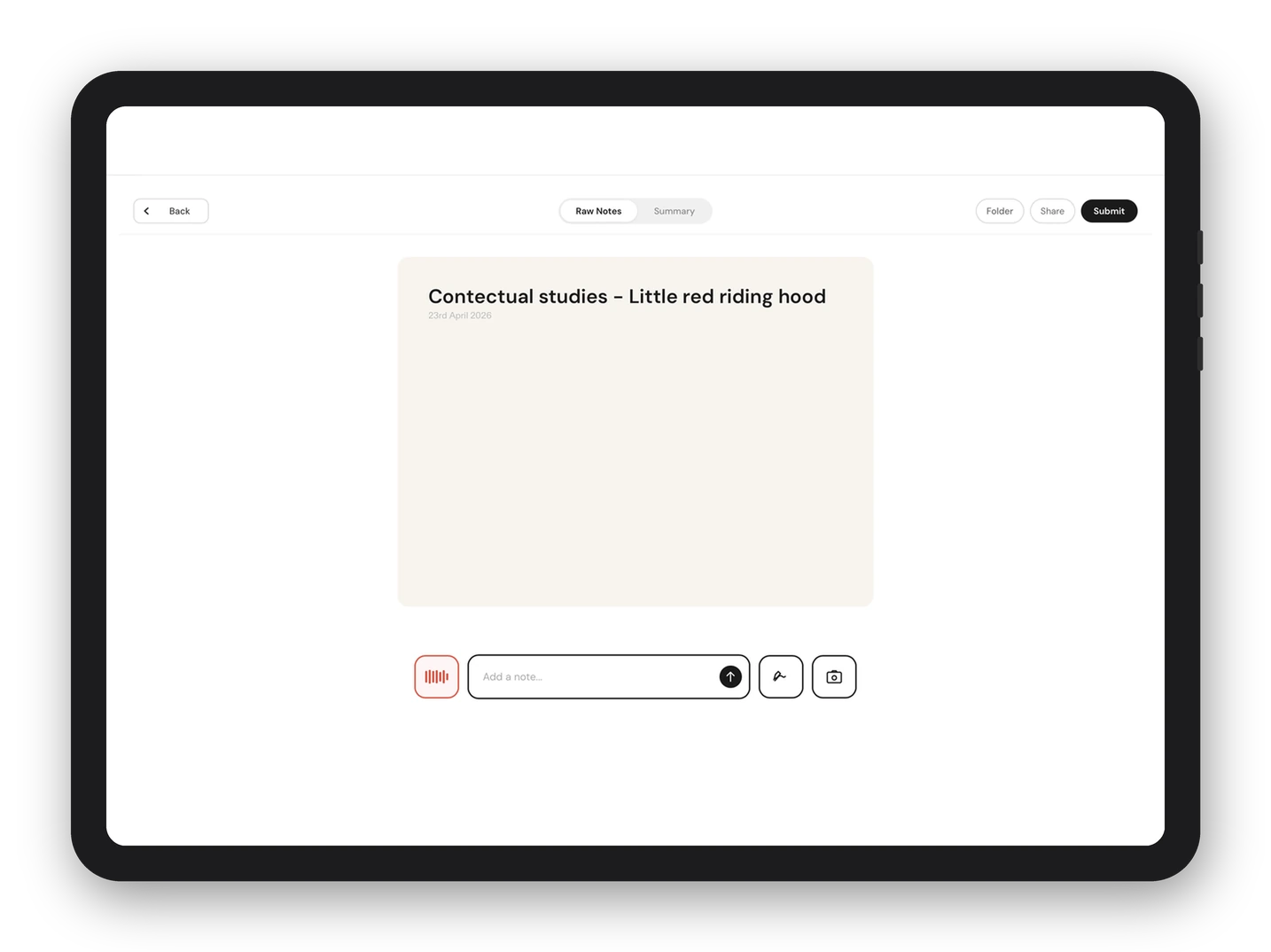
Raw notes / recording
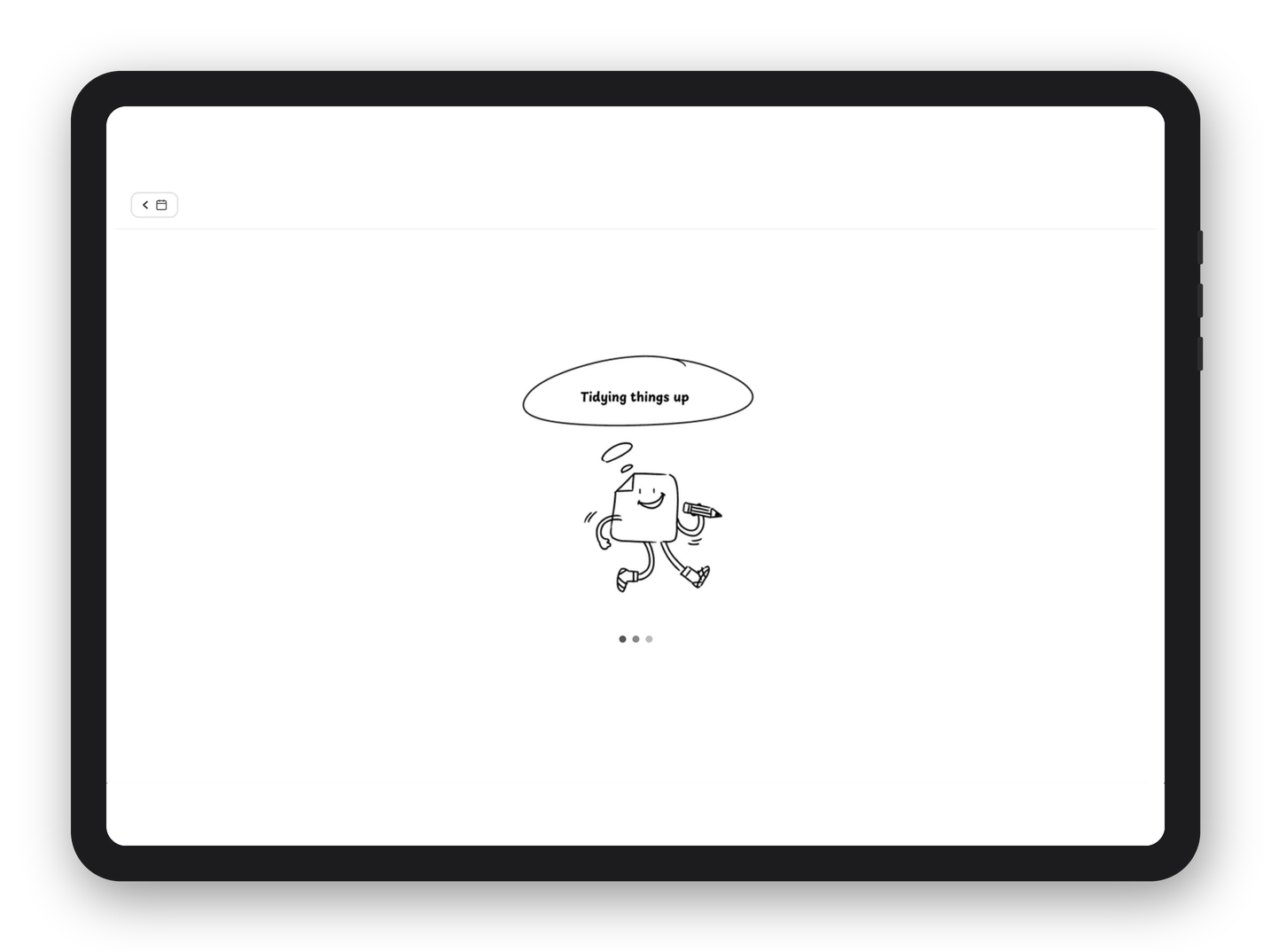
Tidying up / processing
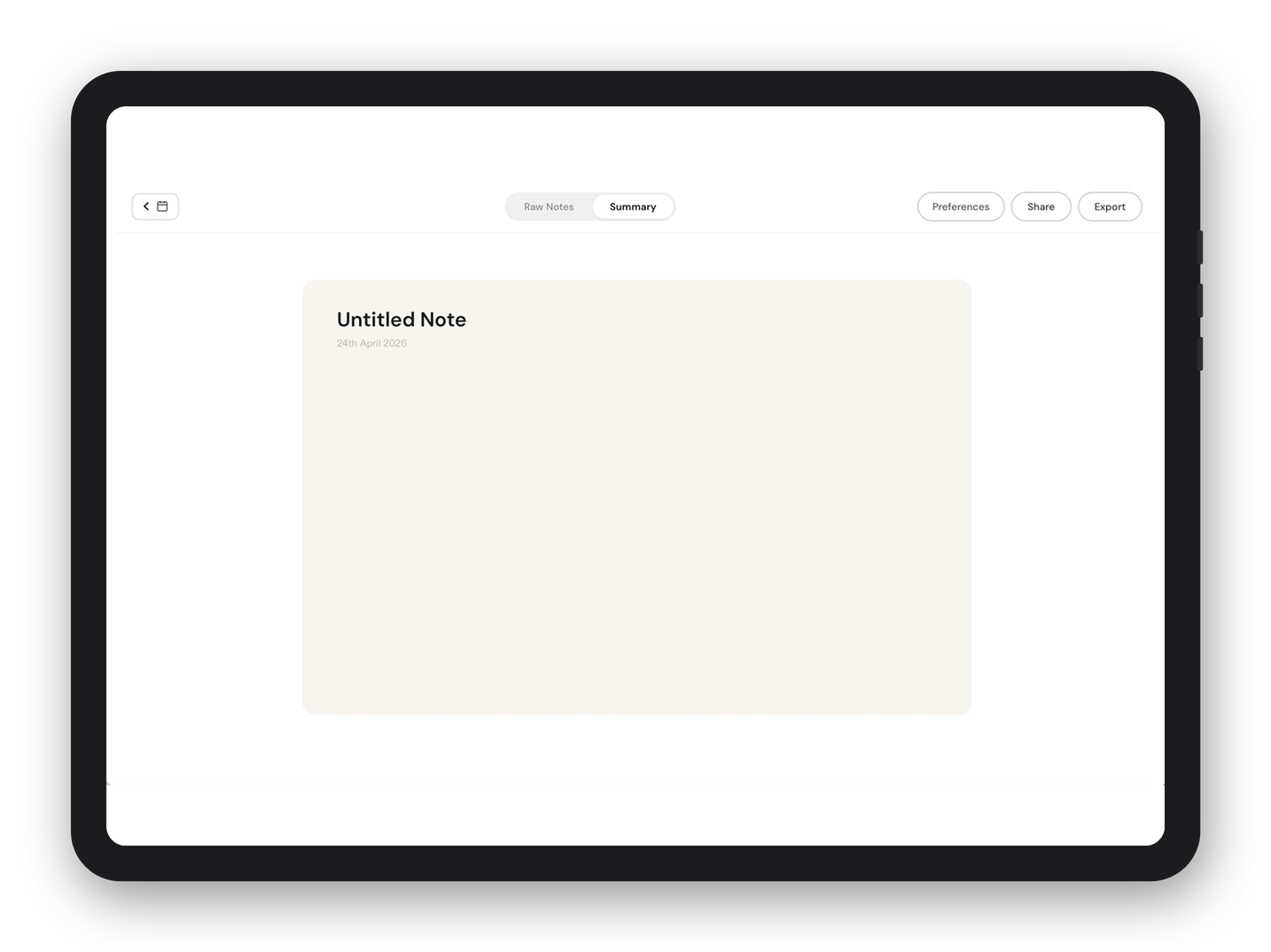
Summary / answer view
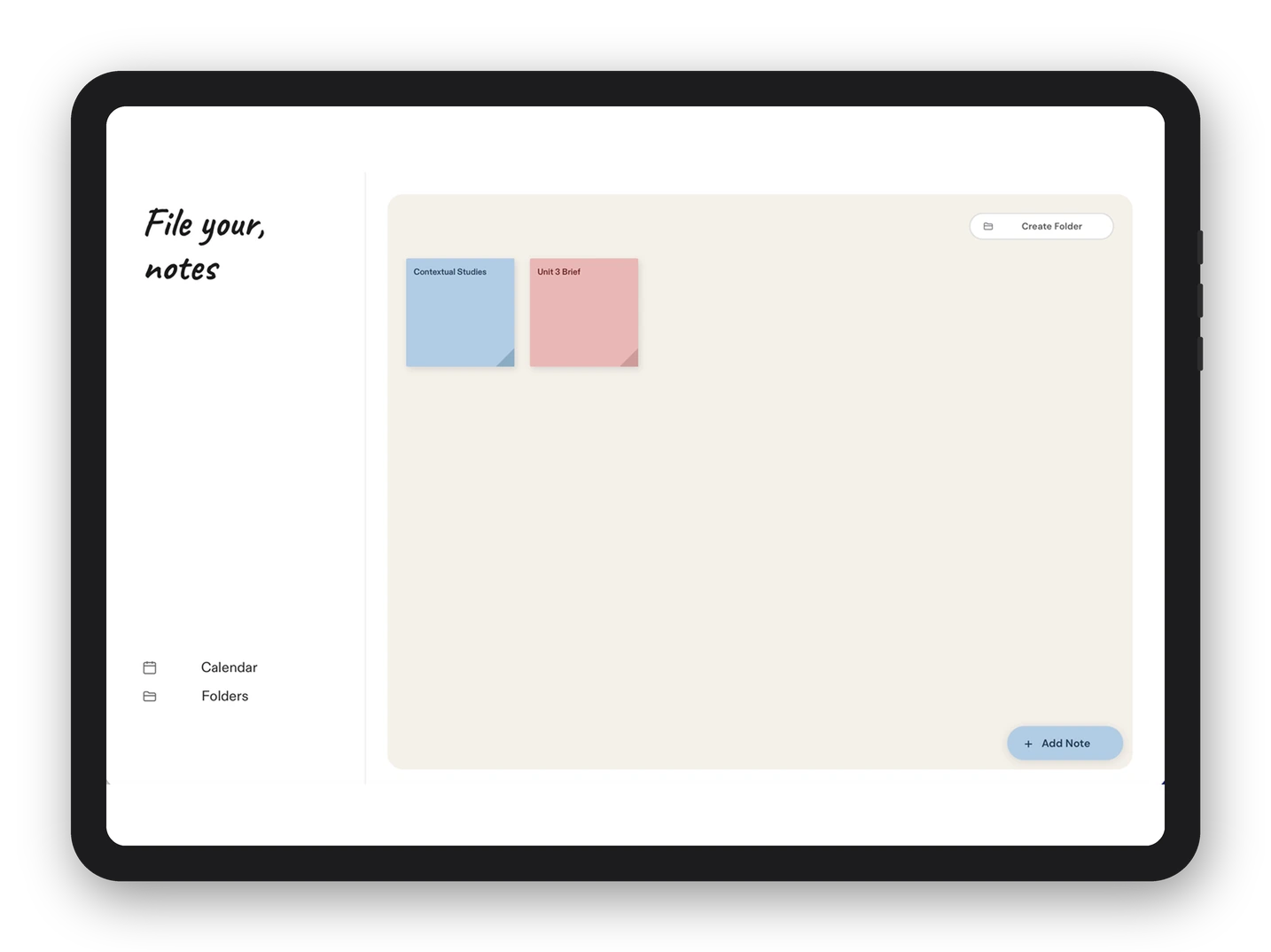
File your notes / folders
Impact
- Lectra reduces cognitive load for dyslexic students by separating the capture of notes from the processing of them, addressing the core research finding that no existing tool was built with the full range of dyslexic challenges in mind.
- Within testing, the redesign fixed what it set out to. Round 1 testers found the layout “dense and overwhelming, adding to cognitive load” and could not see how deadlines linked to the calendar. After the rebuild, round 2 testers said it “instantly signalled what the site was for”, was “separable at a glance”, and “finally felt connected”.
- While actual impact couldn’t be validated within the scope of this project, every design decision was grounded in research and user testing insights. Given further time, I would have wanted to measure whether students felt more confident after lectures.
Reflection
- If time and scope allowed, I would have liked to test with a wider and more diverse group of dyslexic students and run more rounds of iteration. Alongside the design work, I was also building a functional website from scratch for the first time, which pushed me further than I expected.
- If this were a real live project, I would use analytics to understand which features students are using, where they drop off, and iterate based on those learnings.
- With more time I would have developed the final summary much further, exploring options for what happens once a student has it. Downloading it, sharing it with classmates, or turning it into revision material all change what the summary needs to be.
- Business goal. Licence it to schools, universities and disability services, so the institution funds it rather than the student.